Fake Bank Text or Email? How to Check If It’s Real
Fake Bank Text or Email? How to Check If It’s Real
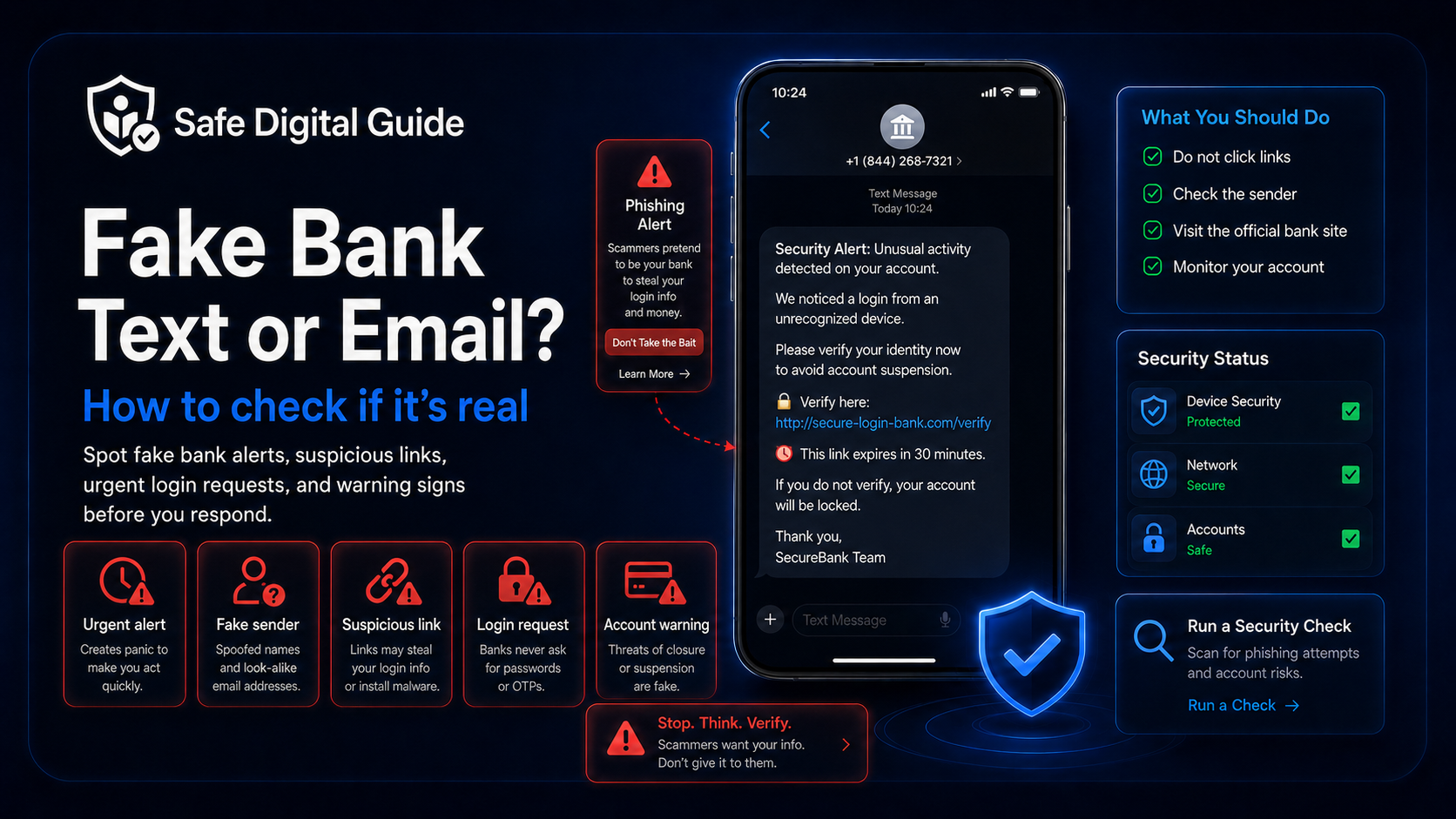
A fake bank text or email can look urgent, official, and convincing. It may claim there was suspicious activity, a blocked payment, a login attempt, or a problem with your account.
This guide explains how to check if a bank message is real, what warning signs to look for, what not to click, and what to do if you already entered your card details, password, or verification code.
Quick Answer: Fake Bank Text or Email
If you receive a fake bank text or email, do not click the link, do not reply, and do not enter your password, card details, or verification codes. Open your banking app or type your bank’s official website manually to check your account safely.
Never share verification codes
Banks may use verification codes to confirm your identity, but you should never give those codes to someone who contacted you unexpectedly.
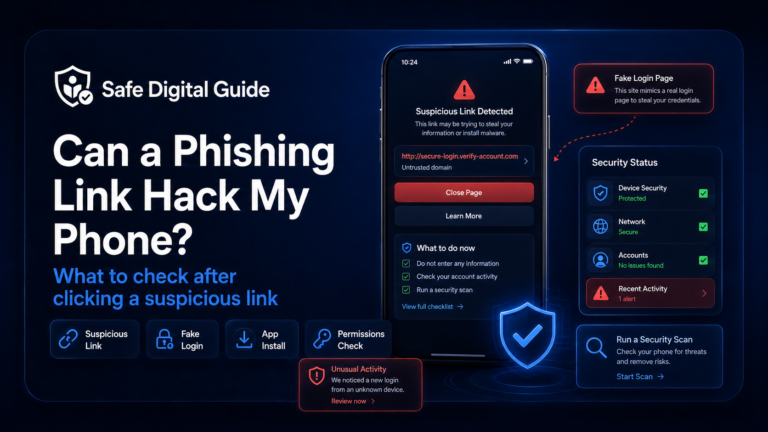
If you already clicked a suspicious bank link, read our guide on what to do if you clicked a phishing link.
Fake Bank Text or Email Checklist
Use this checklist before trusting any bank alert, security message, payment warning, or login notification.
1. Do Not Click the Bank Link
The safest response to a fake bank text or email is to avoid the link completely. Scam links can send you to fake banking pages designed to steal your login details, card number, PIN, or verification codes.
Unsafe actions
- Clicking the link in the message.
- Entering your online banking password.
- Typing your card number into a suspicious page.
- Sharing a one-time verification code.
- Calling a phone number from the message.
Safer actions
- Open your official banking app.
- Type your bank’s website manually.
- Call the number printed on your card.
- Check account activity from inside the app.
- Contact your bank through official support.
A real bank alert should never force you to verify sensitive details through a random link.
2. Check the Sender Carefully
A fake bank text or email may use a sender name that looks official. However, the real email address, phone number, or domain may reveal that the message is not from your bank.
The sender name alone is not enough. Always check the request, link, tone, and whether the message makes sense.
3. Look for Urgent Account Warnings
Bank phishing scams often use fear. The message may claim your account is at risk so you act quickly before checking whether it is real.
Real security alerts can happen, but you should verify them through the official banking app or official website instead of trusting a link.
4. Never Share One-Time Codes or PINs
One of the most dangerous signs of a fake bank text or email is a request for verification codes, one-time passcodes, card PINs, security answers, or banking passwords.
High-risk warning
If someone asks you for a code sent by your bank, they may be trying to log in, approve a payment, or take over your account.
Do not share codes by text, email, phone, chat, or social media. If you already shared a banking code, contact your bank immediately through an official channel.
5. Check the Link and Website Address
A fake bank text or email usually includes a link that looks similar to your bank’s real website. Small differences can be easy to miss.
Suspicious link signs
- Misspelled bank names.
- Extra words like verify, secure, login, update, or alert.
- Shortened links hiding the real destination.
- Strange domain endings.
- A website address that does not match your bank.
Safe ways to check
- Open the banking app yourself.
- Type the bank website manually.
- Use a saved bookmark you trust.
- Call the number printed on your card.
- Check messages inside the official banking app.
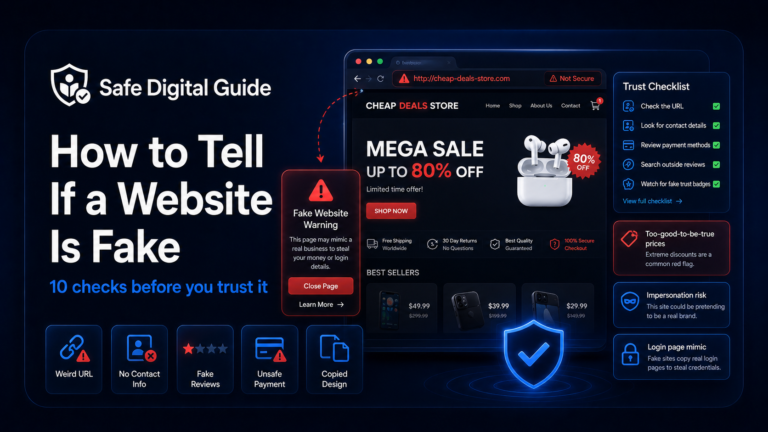
For a full website checklist, read how to tell if a website is fake.
6. Be Careful With Fake Fraud Department Calls
Some scams start with a fake bank text or email and continue with a phone call. The scammer may pretend to be from your bank’s fraud department and claim they are helping you protect your account.
If you are unsure, hang up and call your bank using the number on your card or inside the official app.
7. What to Do If You Clicked the Link
Clicking a fake bank text or email link does not always mean your account is stolen. The real risk depends on what you did after opening the page.
If you only opened the link
- Close the page.
- Do not enter information.
- Do not download files or apps.
- Check your bank app directly.
- Watch for more scam messages.
If you entered information
- Contact your bank immediately.
- Change your banking password safely.
- Check recent transactions and transfers.
- Review saved payees and account changes.
- Ask your bank to secure the account.
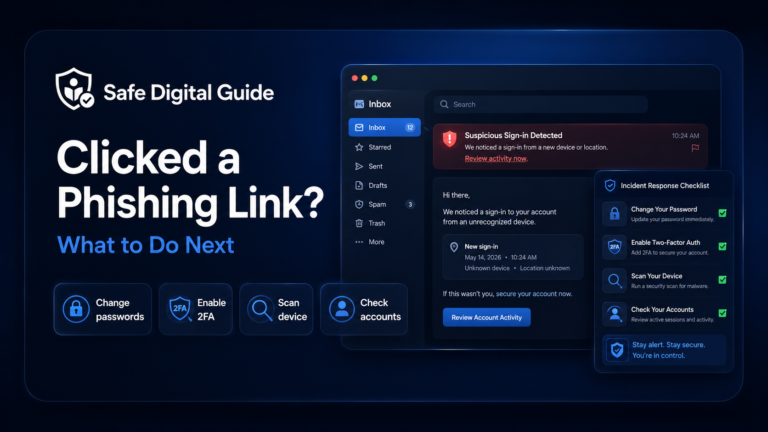
For the full recovery checklist, read What to Do If You Clicked a Phishing Link.
8. What to Do If You Entered Your Bank Password
If a fake bank text or email led you to a fake login page and you entered your bank password, contact your bank immediately. This is urgent because someone may try to access your account directly.
Act fast
Do not only change the password and move on. Your bank should review login attempts, transactions, transfers, saved payees, card activity, and account settings.
Change your banking password only through the official banking app or by typing the real website manually. If you reused that password elsewhere, change it on those accounts too.
If the fake page was not your bank but another account, read Entered My Password on a Fake Website? 7 Urgent Steps.
9. What to Do If You Entered Card Details
If a fake bank text or email asked you for card details, contact your bank or card provider immediately. Scammers may use card numbers for online payments, subscriptions, or test charges.
Contact your bank
Use the phone number on your card or the official banking app.
Freeze or replace the card
Ask whether your card should be locked, blocked, or replaced.
Check transactions
Look for unknown payments, small test charges, subscriptions, or pending transactions.
Save evidence
Keep the message, link, screenshots, payment page, and transaction details.
For more detail, read Gave Card Details to Scam Website? 7 Urgent Steps.
10. Report the Fake Bank Text or Email
Reporting a fake bank text or email can help stop the scam and protect other people. Keep evidence before deleting the message.
- Report the message to your bank through official support.
- Forward scam texts to your mobile provider’s spam reporting service if available.
- Mark suspicious emails as phishing or spam.
- Report the fake website to your browser or search engine.
- Contact your bank immediately if money, card details, or login details were involved.
Save this evidence
Keep the sender, message text, email address, phone number, website link, screenshots, date, time, and any transaction details.
How to Check If a Bank Message Is Real
The safest way to check a bank message is to avoid the message link completely and verify through official channels.
Do not click the link
Do not use login, verify, payment, or support links from unexpected messages.
Open the bank app
Check alerts, messages, payments, and account activity inside the official app.
Call official support
Use the number printed on your card or listed on your bank’s official website.
Ask directly
Ask whether the message, transaction, login alert, or account warning is real.
Related Guides
These guides can help depending on what happened:
Helpful Official Resources
For more guidance, review phishing advice from the FTC, secure account guidance from CISA, and online safety advice from the NCSC.
Frequently Asked Questions
What is a fake bank text or email?
A fake bank text or email is a phishing message that pretends to be from your bank. It may ask you to click a link, verify your identity, enter your password, confirm a payment, or share a security code.
How do I know if a bank message is real?
Do not use the link in the message. Open your banking app, type your bank’s website manually, or call the number printed on your card. Check whether the alert appears inside your real account.
Should I click a bank text link?
Avoid clicking bank links from unexpected text messages. Use the official banking app or manually type the bank website instead.
What should I do if I entered my bank password?
Contact your bank immediately, change your password through the official app or website, check account activity, and ask the bank to review recent login attempts and transactions.
What should I do if I gave my card details?
Contact your bank or card provider immediately. Ask whether to freeze, block, or replace the card, and check recent and pending transactions.
Can scammers steal money with a verification code?
Yes. A verification code may allow a scammer to log in, approve a payment, reset access, or confirm an account change. Never share codes with someone who contacts you unexpectedly.
Knowing how to handle a fake bank text or email can help protect your money, accounts, card details, and personal information.
Final Safety Note
A fake bank text or email is designed to make you panic and act quickly. Before you click, check the sender, link, request, login page, and message tone.
The safest habit is simple: never use links from unexpected bank messages. Open your banking app, type the official website manually, or call the number on your card.