How to Identify Online Scams: 10 Warning Signs
How to Identify Online Scams: 10 Warning Signs
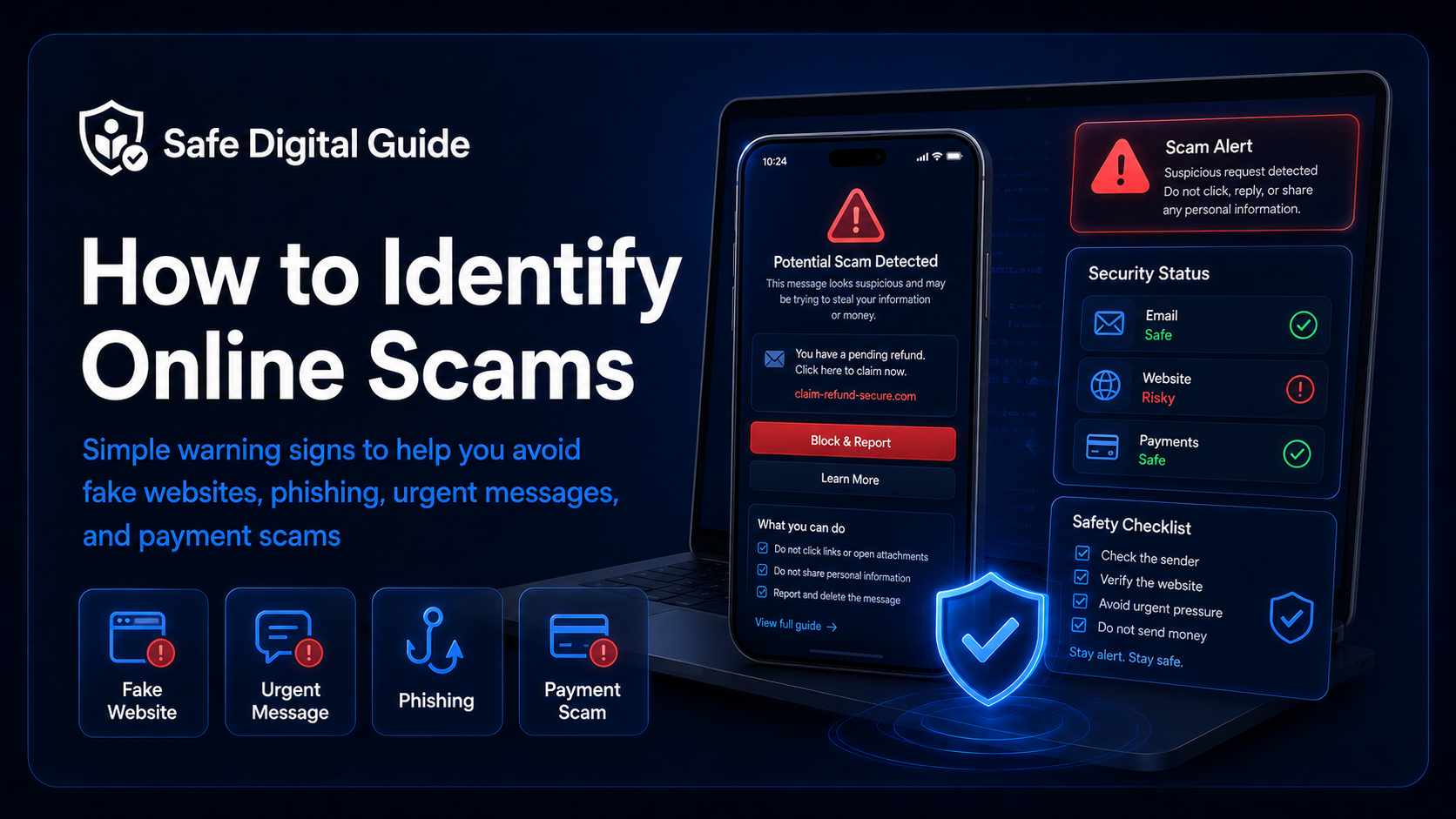
Learning how to identify online scams can help you avoid fake websites, phishing emails, suspicious text messages, fake payment requests, and account takeover attempts.
Most online scams are designed to make you act quickly before you think. This guide explains the most common warning signs to check before you click, pay, download, reply, or enter personal information.
Quick Answer
You can identify online scams by checking for urgent language, suspicious links, fake websites, unusual payment requests, poor grammar, unknown senders, fake support messages, unrealistic offers, pressure tactics, and requests for passwords or verification codes.
Simple rule
If a message makes you feel rushed, scared, excited, or pressured to act immediately, stop and verify it through the official website or app.
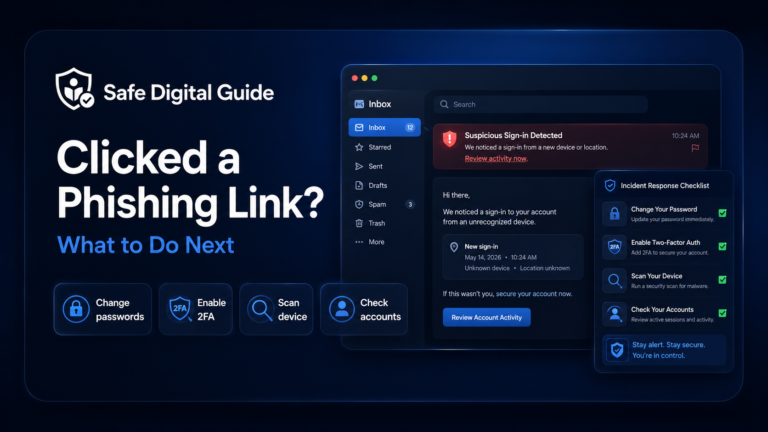
If you already clicked a suspicious link, read our guide on what to do if you clicked a phishing link.
Online Scam Warning Signs Checklist
Use this quick checklist before trusting a message, website, offer, payment request, or login page.
1. The Message Creates Urgency or Fear
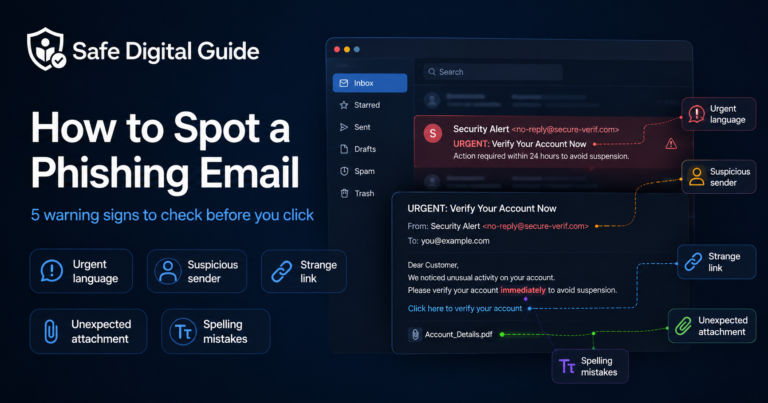
Many online scams try to make you panic. The scammer wants you to act before you check whether the message is real.
Real companies may send important alerts, but you should still verify them from the official website or app.
2. The Link Looks Suspicious
Suspicious links are one of the biggest warning signs of online scams. A scam link may look close to a real website but contain small differences.
Suspicious signs
- Misspelled brand names.
- Extra words before or after the real name.
- Shortened links with no context.
- Strange domains you do not recognize.
- Links that do not match the company they claim to be from.
Safer habits
- Type the website address yourself.
- Use the official app.
- Use a saved bookmark you trust.
- Preview links before opening them when possible.
- Do not log in from unexpected links.
For a deeper guide, read how to spot a phishing email.
3. The Website Looks Real but Feels Off
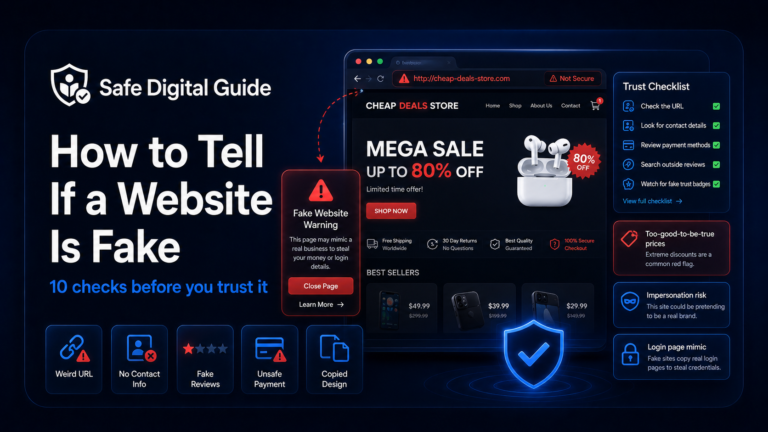
Scam websites often copy the design of real companies. The logo, colors, and layout may look familiar, but small details can reveal the scam.
A professional-looking website is not always a safe website. Always check the address, company details, payment method, and reviews before trusting it.
4. The Scam Asks for Passwords or Verification Codes
A major warning sign is any message or page asking for your password, backup codes, one-time login codes, or two-factor authentication codes.
Never share codes
Verification codes are meant to prove that you are logging in. If you give a code to a scammer, they may use it to access your account.
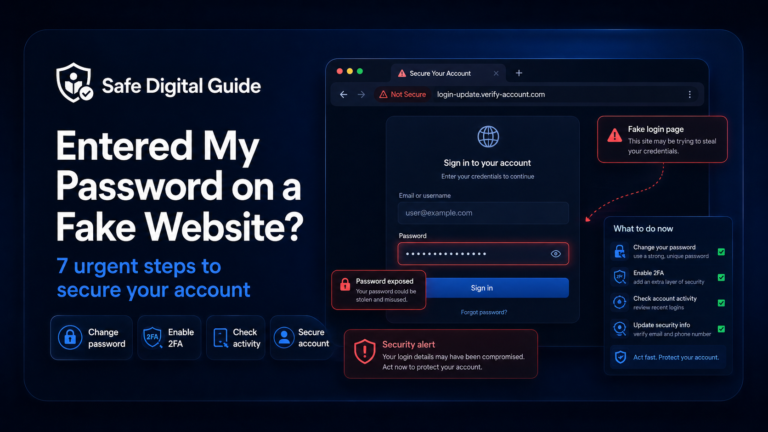
If you entered your password on a fake website, follow our guide: Entered My Password on a Fake Website? 7 Urgent Steps.
5. The Payment Method Is Unusual
Online scammers often ask for payment methods that are hard to reverse or trace. This is common in fake stores, fake support scams, rental scams, marketplace scams, and prize scams.
High-risk payment requests
- Gift cards.
- Cryptocurrency.
- Wire transfers.
- Friends-and-family transfers.
- Payment outside the official platform.
Safer payment habits
- Use trusted checkout systems.
- Keep payment inside the official platform.
- Avoid sellers who pressure you to move off-platform.
- Check refund and buyer protection rules.
- Do not send money to prove your identity.
If you already entered card details on a suspicious website, contact your bank or payment provider as soon as possible.
6. The Offer Sounds Too Good to Be True
Scammers use attractive offers to lower your guard. The goal is to make you focus on the reward instead of the warning signs.
- You “won” a prize you never entered.
- A product is much cheaper than everywhere else.
- A stranger offers easy money for simple tasks.
- A fake investment promises guaranteed returns.
- A refund appears from a company you do not use.
Pause before trusting it
Search for the company separately, check the official website, read independent reviews, and never pay upfront just to receive a prize or refund.
7. The Sender Is Unknown or Slightly Wrong
Online scams often come from email addresses, phone numbers, or social media profiles that look close to real accounts but are not official.
8. The Message Has Grammar, Formatting, or Design Problems
Poor grammar does not always prove something is a scam, and some scams are well written. But strange formatting, broken layouts, inconsistent logos, and unusual language are still useful warning signs.
Look at the full picture
Do not judge a message by one detail only. Combine the sender, link, tone, request, payment method, and website quality before deciding whether to trust it.
9. The Scam Tries to Move You Away From the Official Platform
Many scams start on a trusted platform but try to move the conversation somewhere else. This can happen on marketplaces, job sites, rental platforms, social media, and dating apps.
Be careful if someone asks you to:
- Continue the conversation on another app immediately.
- Pay outside the platform.
- Click an external verification link.
- Send ID documents through an unofficial form.
- Ignore platform warnings or buyer protection rules.
10. Your Instinct Says Something Is Wrong
If something feels strange, pause. Scammers rely on speed. Taking one minute to verify the message can prevent account theft, financial loss, or identity misuse.
Stop
Do not click, pay, download, reply, or enter information yet.
Check the source
Look at the sender, domain, profile, website, and request.
Verify separately
Open the official website or app yourself. Do not use the suspicious link.
Protect your account
Change passwords and enable two-factor authentication if you entered any login details.
What to Do If You Think It Is an Online Scam
If you think something is a scam, do not interact with it further. The safest next step depends on what happened.
If you only saw it
- Do not click the link.
- Delete or ignore the message.
- Block the sender if needed.
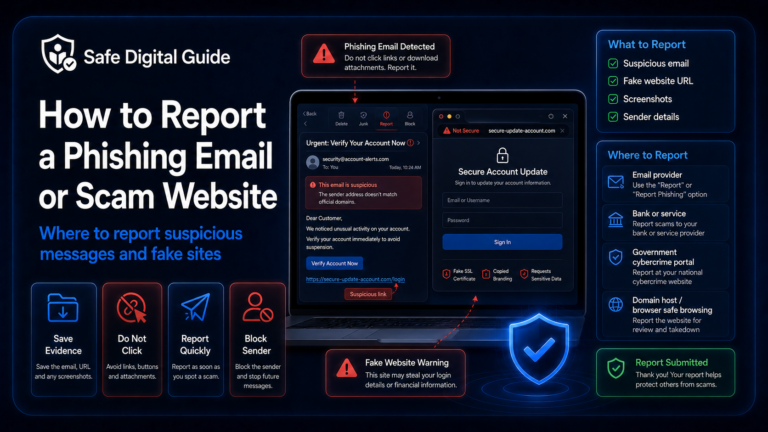
- Report the message on the platform.
If you interacted with it
- Change exposed passwords.
- Check account activity.
- Contact your bank if payment details were involved.
- Review your device for downloads or unknown apps.
If you are worried about your phone specifically, read Can a Phishing Link Hack My Phone?.
Helpful Official Resources
For more guidance, you can review online scam and phishing advice from FTC consumer guidance, CISA phishing guidance, and NCSC phishing advice.
Frequently Asked Questions
How do I identify online scams?
Look for urgent pressure, suspicious links, fake websites, unusual payment methods, unrealistic offers, requests for passwords or verification codes, and messages from unknown or unusual senders.
What is the biggest warning sign of an online scam?
One of the biggest warning signs is pressure to act immediately. Scammers often use fear, urgency, fake deadlines, or limited-time offers to stop you from thinking clearly.
Can a scam website look real?
Yes. Scam websites can copy logos, colors, product pages, login screens, and checkout designs. Always check the website address, payment method, company details, and whether the request makes sense.
What should I do if I entered my password on a scam website?
Change your password from the official website or app immediately. Then enable two-factor authentication, check recent login activity, and change the same password anywhere else you used it.
What should I do if I paid an online scammer?
Contact your bank, card provider, or payment service immediately. Keep screenshots, receipts, emails, messages, website links, and any account details related to the transaction.
Are all online scams obvious?
No. Some scams are poorly written, but others look professional and convincing. The safest approach is to verify important requests through official websites, apps, or known contact channels.
Final Safety Note
Knowing how to identify online scams is about slowing down before you act. Check the sender, link, website, request, payment method, and urgency before trusting anything online.
The safest habit is simple: do not click, pay, download, or enter information until you have verified the request through an official source.