How to Report a Phishing Email or Scam Website
How to Report a Phishing Email or Scam Website
Learning how to report a phishing email can help protect your accounts, stop suspicious messages, warn service providers, and reduce the risk for other people.
This guide explains how to report a phishing email, how to report a scam website, what evidence to save, where to send reports, and what to do if you already clicked a link or entered personal information.
Quick Answer: How to Report a Phishing Email
To report a phishing email, do not click any links or download attachments. Save the message, screenshot the sender and suspicious link, then use your email provider’s “Report phishing” or “Report spam” option. If the email impersonates a bank, delivery company, online store, or government service, report it to the real organization through its official website or app.
Do not interact with the message
Before reporting a phishing email, avoid clicking links, opening attachments, replying, calling phone numbers, or entering personal details on any page linked from the message.
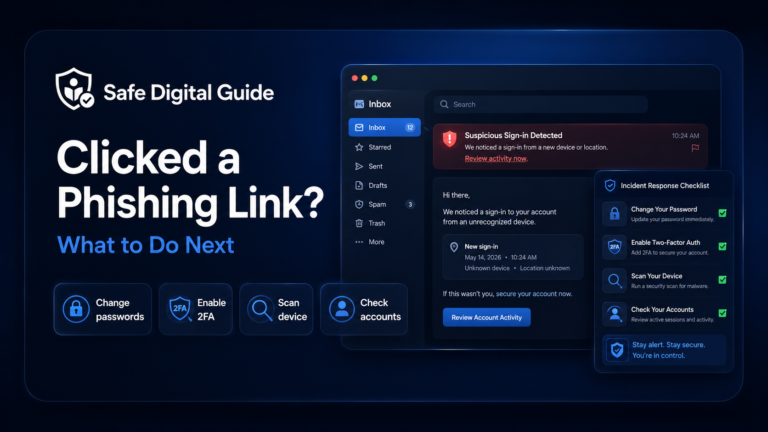
If you already clicked the link, read our guide on what to do if you clicked a phishing link.
Phishing Report Checklist
Before you report a phishing email or scam website, collect the most useful details. This can help platforms, banks, email providers, and security teams review the threat.
1. Report the Phishing Email Inside Your Email App
The fastest way to report a phishing email is usually inside your email app. Most email providers have a report option that helps them detect similar messages and protect other users.
Common report options
- Report phishing.
- Report spam.
- Mark as junk.
- Block sender.
- Move to spam or junk folder.
Before reporting
- Do not click links.
- Do not open attachments.
- Do not reply to the sender.
- Do not call numbers in the email.
- Take screenshots if you need evidence.
Reporting from inside the email platform is useful because it gives the provider technical signals about the sender, message, and link.
2. Report the Scam Website URL
A phishing email often leads to a scam website. If the message includes a fake login page, fake payment page, fake delivery page, or fake bank page, report the website URL too.
Useful habit
Copy the suspicious URL carefully without entering any details. If you are not comfortable copying it, take a screenshot of the address bar instead.
Scam websites can be reported to the company being impersonated, your browser provider, your search engine, the domain registrar, the hosting provider, or your national cybercrime reporting service.
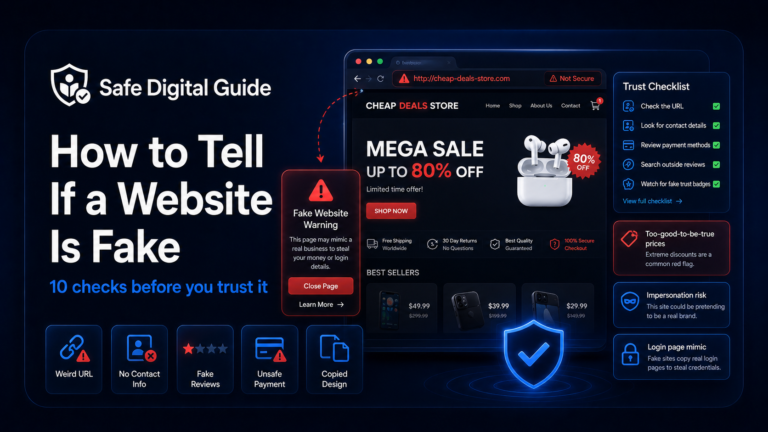
If you are unsure whether the site is fake, use our guide on how to tell if a website is fake.
3. Report It to the Company Being Impersonated
If a phishing email pretends to be from your bank, email provider, delivery company, online store, social media platform, or government service, report it to the real organization.
Do not use contact details from the suspicious message. Open the company’s real website or app yourself and find the official support or fraud reporting page.
4. Report It to Your Bank If Money or Card Details Were Involved
If the phishing email or scam website asked for card details, banking passwords, verification codes, or payment information, contact your bank immediately.
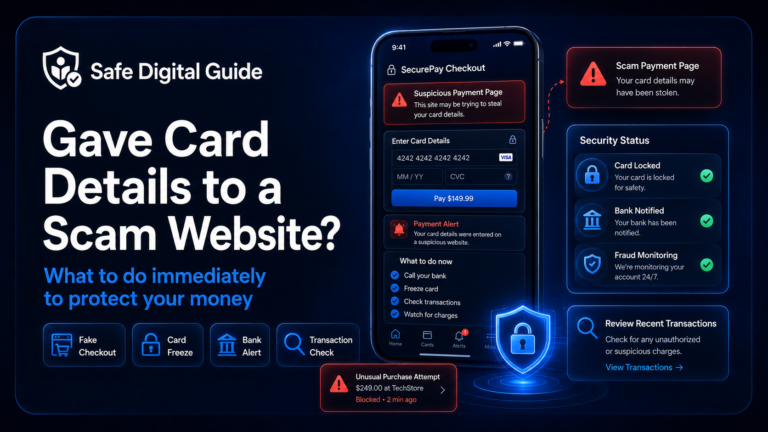
If you entered payment details, follow our guide: Gave Card Details to Scam Website? 7 Urgent Steps.
5. Report Phishing Text Messages Too
Phishing is not limited to email. Suspicious text messages, fake delivery alerts, fake bank texts, and scam login links should also be reported when possible.
Common phishing texts
- Fake delivery messages.
- Fake bank alerts.
- Fake payment warnings.
- Fake account verification messages.
- Fake prize or refund texts.
What to do
- Do not click the link.
- Do not reply with personal details.
- Report it as spam on your phone.
- Block the sender if needed.
- Keep evidence if money or accounts were involved.
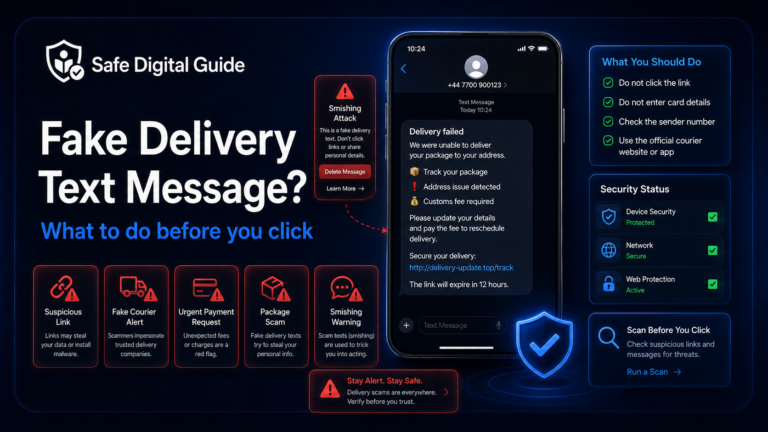
If the message is about a parcel, read Fake Delivery Text Message? What to Do Before You Click. If it claims to be from a bank, read Fake Bank Text or Email? How to Check If It’s Real.
6. Save Evidence Before Deleting the Message
It is fine to delete phishing emails and scam messages, but save evidence first if you clicked a link, entered information, paid money, or may need to contact your bank or a support team.
- Screenshot the message.
- Screenshot the sender email address or phone number.
- Save the scam website URL.
- Screenshot the fake login or payment page.
- Save payment confirmations or bank alerts.
- Write down what you entered and when.
Keep it simple
You do not need to investigate the scam yourself. Save enough evidence to explain what happened, then report it through safe official channels.
7. What to Do If You Already Clicked the Link
If you are learning how to report a phishing email because you already clicked a link, the next step depends on what happened after the click.
If you only opened the link
- Close the page.
- Do not enter information.
- Do not download files or apps.
- Report the email or website.
- Watch for more scam messages.
If you entered information
- Change exposed passwords.
- Contact your bank if payment details were involved.
- Check account activity.
- Enable two-factor authentication.
- Save evidence and report the scam.
For a full recovery guide, read What to Do If You Clicked a Phishing Link.
8. What to Do If You Entered Your Password
If the phishing email led to a fake login page and you entered a password, reporting the message is not enough. You also need to protect the account.
Change the password
Use the official website or app, not the link from the suspicious message.
Enable two-factor authentication
Add an extra layer of protection if the account supports it.
Check account activity
Look for unknown logins, changed settings, new devices, or suspicious messages.
Change reused passwords
If you used the same password elsewhere, change it on those accounts too.
For the full guide, read Entered My Password on a Fake Website? 7 Urgent Steps.
9. What to Do If You Downloaded an Attachment
Some phishing emails use attachments instead of links. The file may pretend to be an invoice, receipt, delivery document, tax notice, bank statement, or shared document.
Attachment warning
If you opened a suspicious attachment, stop using the file, do not enable macros or permissions, and run a security scan with trusted security software.
If the device is used for banking, work accounts, or business data, consider contacting your IT support, security provider, or a trusted professional. Watch for unusual browser behavior, unknown apps, account alerts, or suspicious logins.
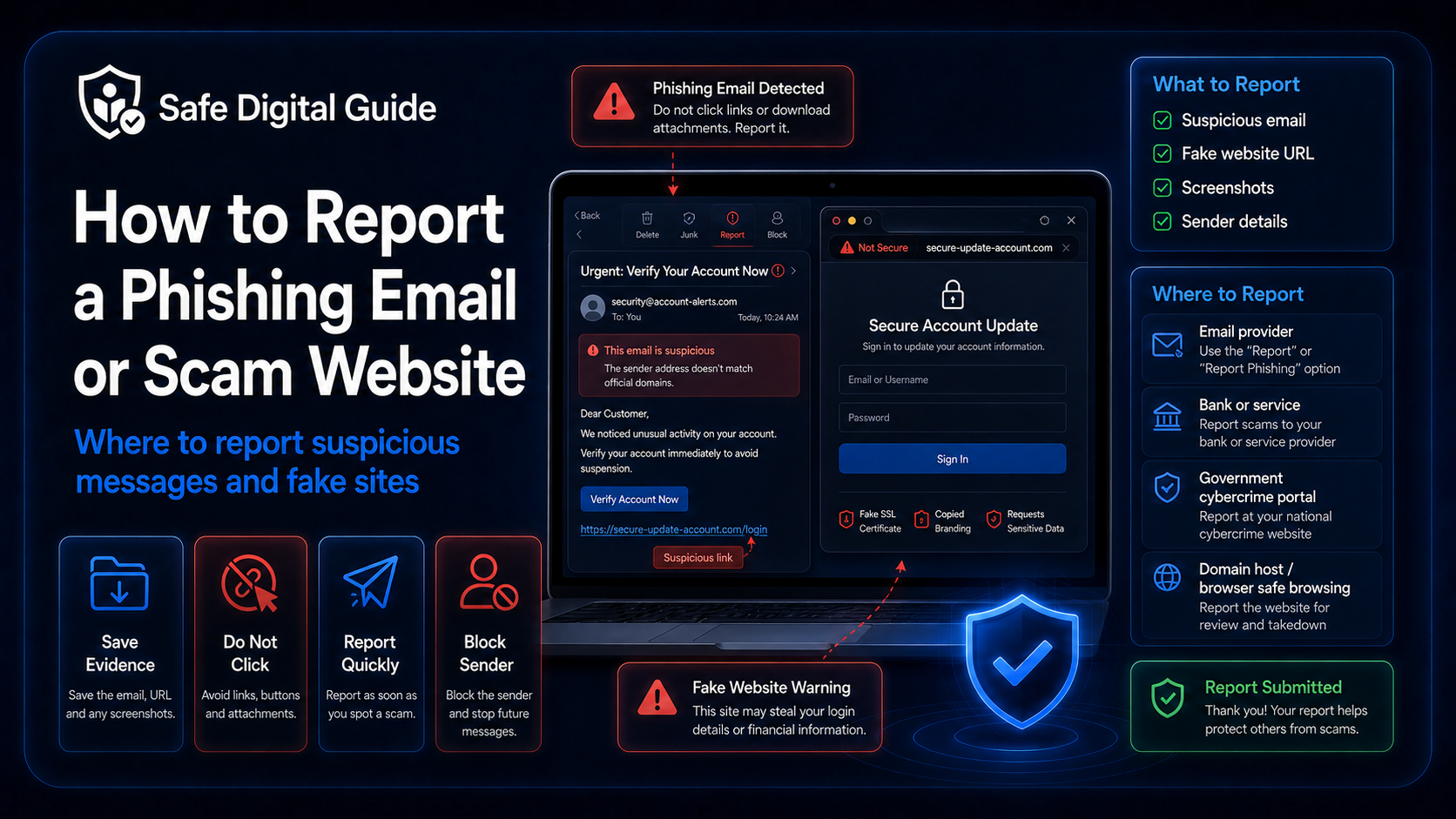
10. Where to Report a Phishing Email or Scam Website
Where you report depends on the type of scam. A phishing email that impersonates a bank should be reported to your bank. A fake website should be reported to the service being impersonated and, when possible, to security or cybercrime reporting channels.
Related Guides
These guides can help depending on what happened:
Helpful Official Resources
For more guidance, review phishing advice from the FTC, phishing reporting and awareness guidance from CISA, and scam guidance from the NCSC.
Frequently Asked Questions
How to report a phishing email?
Use the “Report phishing” or “Report spam” option inside your email app. Save evidence first if you clicked a link, entered information, downloaded an attachment, or lost money.
Should I delete a phishing email?
You can delete it after reporting it. If you interacted with the email, save screenshots, sender details, links, and any payment or account evidence before deleting it.
How do I report a scam website?
Report the scam website to the company being impersonated, your browser or search engine, the hosting provider if possible, and your national cybercrime or consumer protection service if available.
What should I do if I clicked a phishing link?
Close the page and do not enter information. If you entered passwords, card details, or personal data, take action immediately by changing passwords, contacting your bank, and checking account activity.
What evidence should I save before reporting phishing?
Save the sender, email address, phone number, message text, website URL, screenshots, date, time, and any transaction or account activity connected to the scam.
Can reporting a phishing email stop the scam?
Reporting may help email providers, banks, platforms, browsers, and security teams detect and block similar scams. It may not remove every scam immediately, but it can help reduce risk.
Knowing how to report a phishing email helps protect your accounts and can help stop suspicious messages from reaching more people.
Final Safety Note
Reporting a phishing email is helpful, but your safety comes first. Do not click links, open attachments, reply to scammers, or enter personal information on suspicious pages.
The safest habit is simple: save evidence, report through official channels, then protect any account, card, or device that may have been exposed.