What to Do If You Gave Your Card Details to a Scam Website
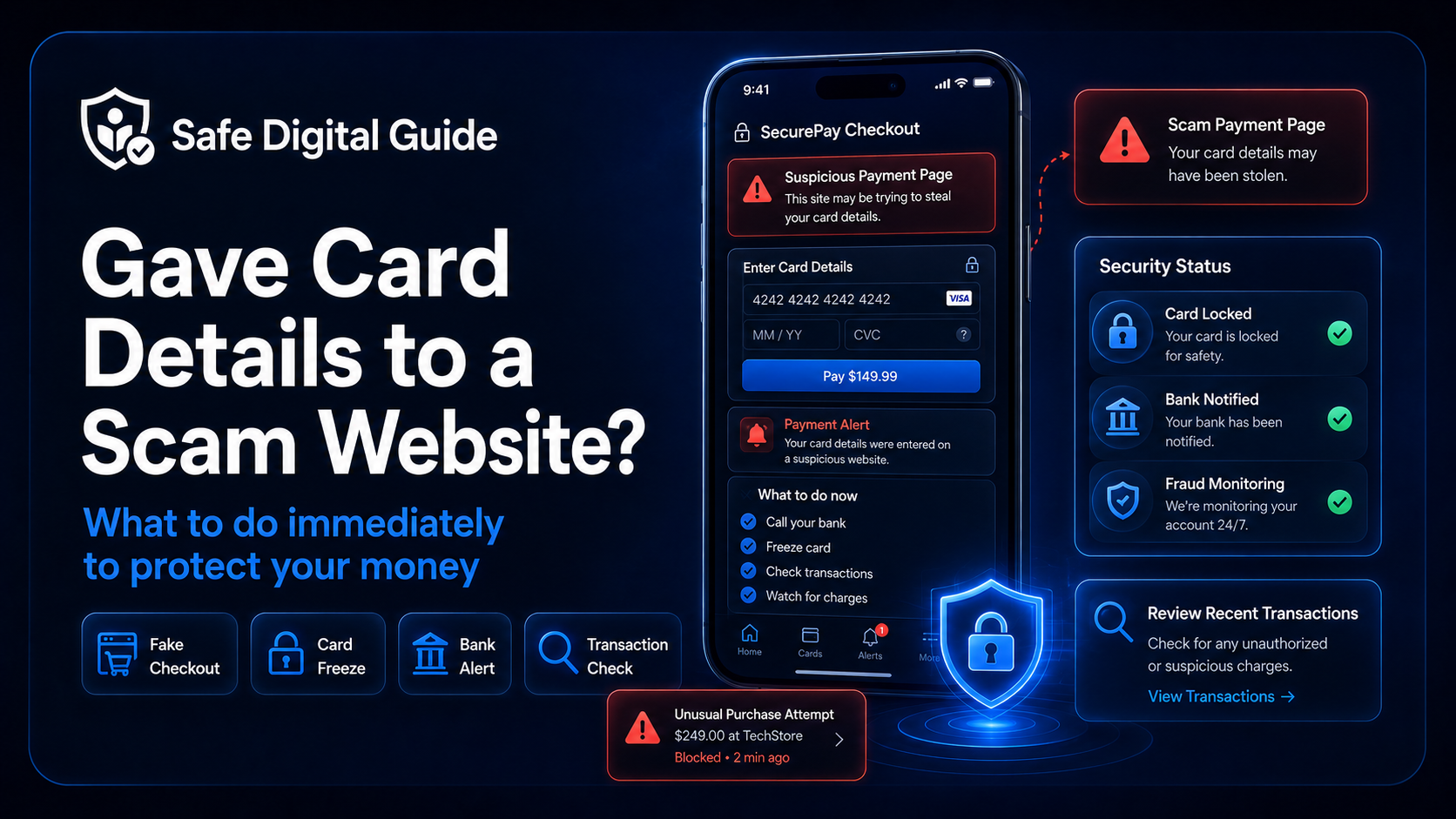
Gave Card Details to Scam Website? 7 Urgent Steps
If you gave card details to scam website, act immediately. Your card information may be used for unauthorized payments, small test charges, subscriptions, or later fraud attempts.
This guide explains what to do if you gave card details to scam website, including when to contact your bank, when to freeze or cancel your card, what transactions to check, and how to protect your accounts.
Quick Answer: Gave Card Details to Scam Website
If you gave card details to scam website, contact your bank or card provider immediately through the official app, website, or phone number on your card. Ask whether you should freeze, block, or replace the card. Then check recent transactions, save evidence, change any reused passwords, and monitor your account for delayed charges.
Do not wait
Card details can be tested quickly with small payments before larger charges appear. The faster you act, the easier it is to reduce the risk.
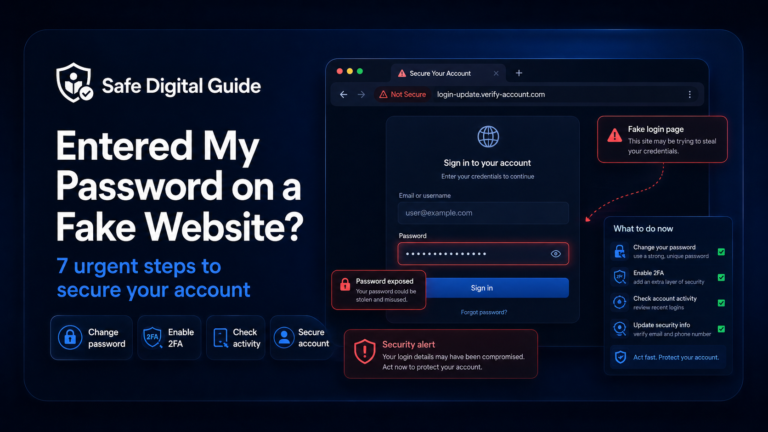
If you also entered a password on the fake website, read our guide on what to do after entering your password on a fake website.
Gave Card Details to Scam Website: Emergency Checklist
Use this checklist if you entered your card number, expiry date, CVC, billing address, name, phone number, or payment details on a suspicious website.
1. Contact Your Bank or Card Provider Immediately
If you gave card details to scam website, your first move should be contacting your bank or card provider. Do not use phone numbers, chat boxes, or support links shown on the suspicious website.
Safe ways to contact your bank
- Call the phone number printed on your card.
- Use the official banking app.
- Visit the official bank website manually.
- Use secure support inside your online banking account.
Avoid these contact methods
- Phone numbers shown on the scam website.
- Links from suspicious emails or texts.
- Fake support accounts on social media.
- Search ads that may imitate your bank.
Tell the bank exactly what happened: you entered your card details on a website you now believe is fake or unsafe. They can check recent activity and advise whether to freeze, block, or replace the card.
2. Freeze, Lock, or Replace the Card
Many banks allow you to freeze your card instantly from the mobile app. If you gave card details to scam website, freezing the card can help stop new payments while you review the situation.
Best immediate move
Freeze the card first if your bank allows it, then ask your bank whether the card should be fully replaced.
Freezing a card is usually temporary. Replacing the card is stronger because the old card number, expiry date, and CVC become unusable. Your bank can decide which action is safest.
3. Check Recent and Pending Transactions
After you gave card details to scam website, check your banking app for completed and pending transactions. Scammers may try small charges first to see whether the card works.
If you notice a suspicious charge, report it to your bank as soon as possible. Save the transaction amount, date, merchant name, and any emails or messages connected to it.
4. Save Evidence of the Scam Website
If you gave card details to scam website, evidence can help your bank, payment provider, or consumer protection service understand what happened.
- Take screenshots of the fake website.
- Save the website URL.
- Keep fake receipts or order confirmations.
- Save emails, text messages, ads, or posts that led you there.
- Write down the date and time you entered your card details.
- Save transaction IDs or payment references if available.
Important
Do not go back to the scam website to enter more information, contact fake support, or request a refund through suspicious links.
5. Watch for Delayed Charges
Sometimes nothing happens immediately after you gave card details to scam website. That does not always mean you are safe. Card details may be tested later, sold, or used for recurring charges.
Turn on payment alerts if your bank offers them. Notifications can help you react quickly if a new transaction appears.
6. Change Passwords If You Created an Account
Some fake websites ask you to create an account before payment. If you used the same password anywhere else, change it immediately.
Prioritize these accounts:
- Your email account.
- Your banking or payment apps.
- Your shopping accounts.
- Your social media accounts.
- Your cloud storage accounts.
Password reuse risk
If the scam website captured your email and password, attackers may try the same login on other services.
Learn more here: Entered My Password on a Fake Website? 7 Urgent Steps.
7. Monitor Follow-Up Scams
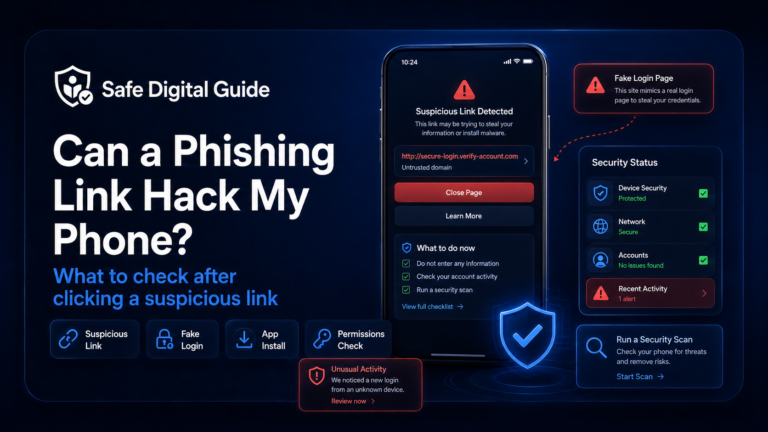
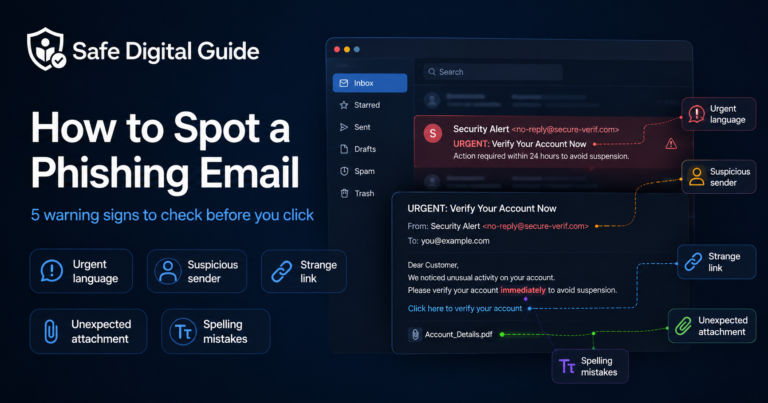
After you gave card details to scam website, you may receive more scam messages. Scammers may pretend to be your bank, a delivery company, customer support, or a refund department.
Never share verification codes, banking passwords, or one-time passcodes with anyone who contacts you unexpectedly.
What If You Entered Bank Login Details Too?
If you gave card details to scam website and also entered your bank username, password, security answers, or verification code, contact your bank immediately. This is more serious than card exposure alone.
High-risk situation
A scammer may try to access your bank account directly if they have your login details or one-time codes.
Ask your bank to check recent logins, transfers, saved payees, account changes, card activity, and blocked attempts. Change your banking password only through the official banking app or website.
What If No Money Has Been Taken Yet?
If you gave card details to scam website but no money has been taken yet, you should still contact your bank. Fraud may appear later, and small test charges can happen before larger payments.
Your bank may recommend freezing the card, replacing it, blocking online payments, or simply monitoring the account depending on the risk.
What Not to Do After You Gave Card Details to Scam Website
Avoid these mistakes after entering card details on a suspicious website.
Do not do this
- Do not wait several days before contacting your bank.
- Do not call numbers shown on the scam website.
- Do not enter more details to “cancel” the payment.
- Do not trust refund links from the scammer.
- Do not ignore small unknown charges.
Do this instead
- Contact your bank through official channels.
- Freeze or replace the card if advised.
- Check completed and pending transactions.
- Save evidence of the scam.
- Monitor your account for delayed charges.
How to Avoid Scam Websites Next Time
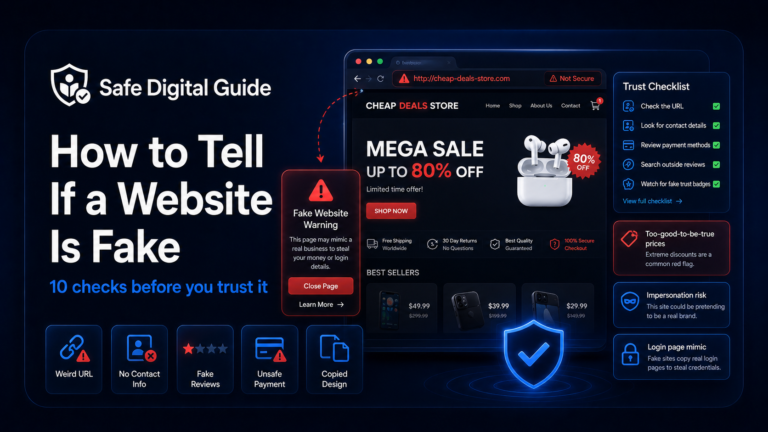
Before entering card details online, take a few seconds to check whether the website is trustworthy.
Check the domain
Look for misspellings, strange endings, extra words, or domains that do not match the real brand.
Search the store separately
Look for independent reviews, scam reports, real contact details, and company information.
Be careful with huge discounts
Scam websites often use unrealistic prices to make you act quickly.
Use trusted payment methods
Avoid direct transfers to unknown sellers and keep payments inside trusted platforms when possible.
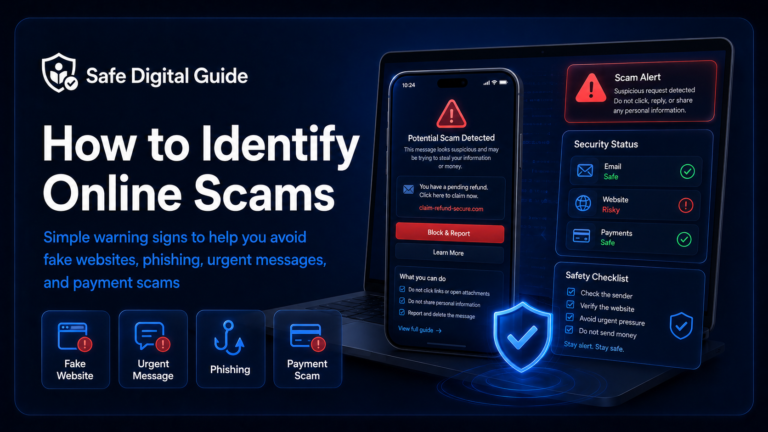
For a broader checklist, read how to identify online scams.
Related Guides
These guides can help depending on what happened:
Helpful Official Resources
For more guidance, review consumer scam advice from the FTC, phishing guidance from CISA, and your bank or card provider’s official fraud support page.
Frequently Asked Questions
I gave card details to scam website. What should I do first?
Contact your bank or card provider immediately through an official channel. Ask whether to freeze, block, or replace the card, then check your recent and pending transactions.
Should I cancel my card after entering it on a fake website?
Your bank can decide the safest option. In many cases, freezing or replacing the card may be recommended to prevent unauthorized payments.
Can scammers use my card without the physical card?
Yes. If scammers have enough card details, they may attempt online payments, subscriptions, test charges, or purchases without having the physical card.
What if no money has been taken yet?
Still contact your bank and consider freezing the card. Fraudulent charges may appear later, especially if the card details are sold or tested.
What if I entered my bank password too?
Contact your bank immediately. Change your password only through the official banking app or website, and ask the bank to review recent access and account activity.
Can I get my money back after paying a scam website?
It depends on your bank, payment method, timing, and local rules. Contact your bank as soon as possible and provide evidence of the scam.
If you gave card details to scam website, the most important step is to contact your bank quickly and prevent any further unauthorized payments.
Final Safety Note
If you gave card details to scam website, quick action matters. Contact your bank, freeze or replace the card if needed, check recent transactions, save evidence, and stay alert for delayed charges.
The safest habit is simple: never enter card details on a website you have not verified. Check the domain, search the store separately, and use trusted payment methods whenever possible.