Can a Phishing Link Hack My Phone? What You Need to Know
Can a Phishing Link Hack My Phone? What to Know
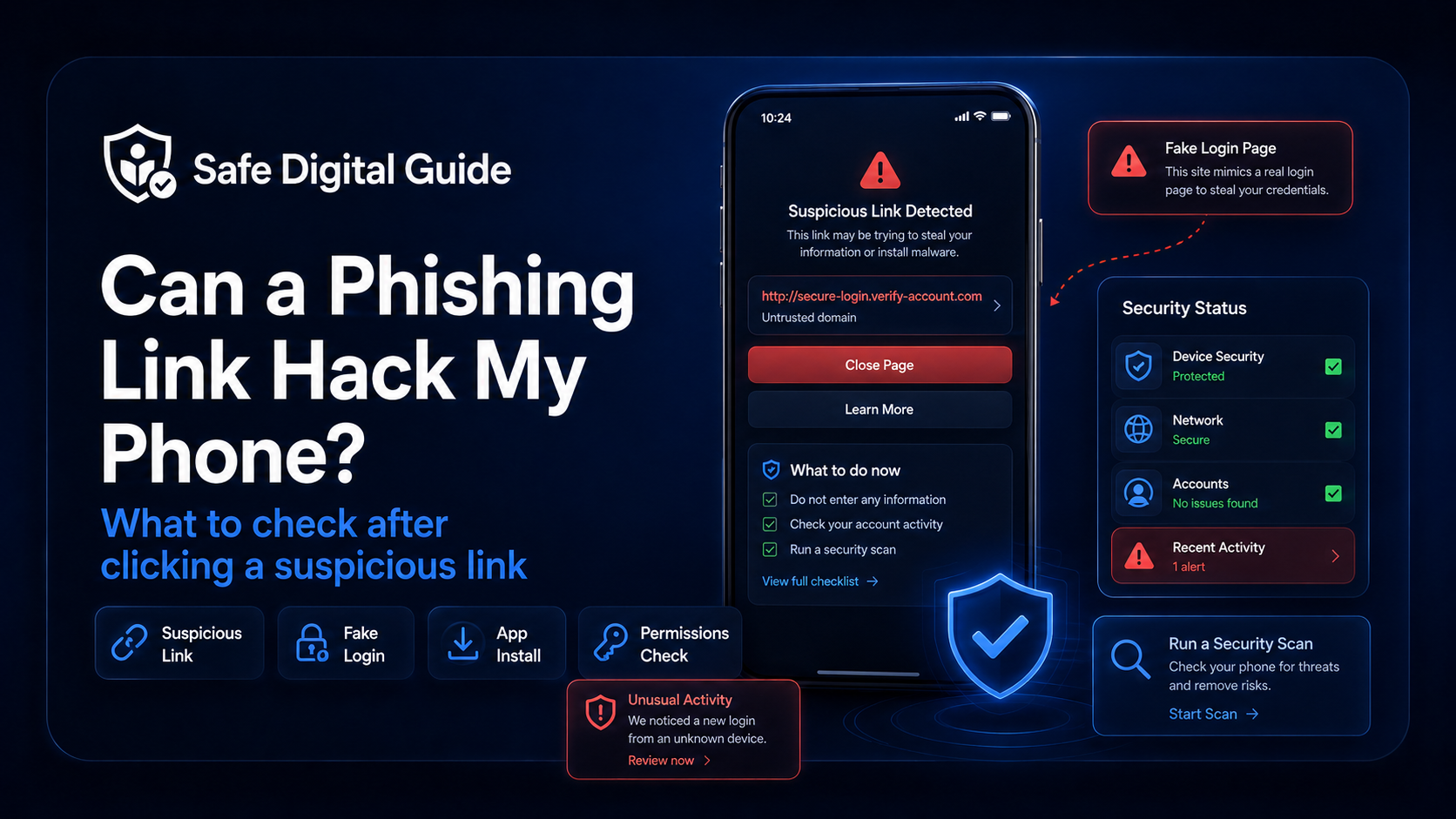
Can a phishing link hack my phone? In most cases, simply opening a suspicious link does not automatically hack your phone. The risk becomes much higher if you entered personal information, typed a password, downloaded a file, installed an app, allowed permissions, or signed in through a fake page.
This guide explains what can happen after clicking a phishing link, what warning signs to check, and how to secure your phone and accounts step by step.
Quick Answer
A phishing link can put your phone and accounts at risk, but the danger depends on what happened after you clicked it. If you only opened the page and closed it, the risk is usually lower. If you entered a password, payment details, verification code, or downloaded something, you should act quickly.
Good news
Most phishing attacks are designed to trick you into giving away information. They usually need you to type details, approve a login, install something, or grant permissions.
Still take it seriously
Even if your phone was not instantly hacked, the link may have led to a fake login page, malware download, scam form, or account theft attempt.
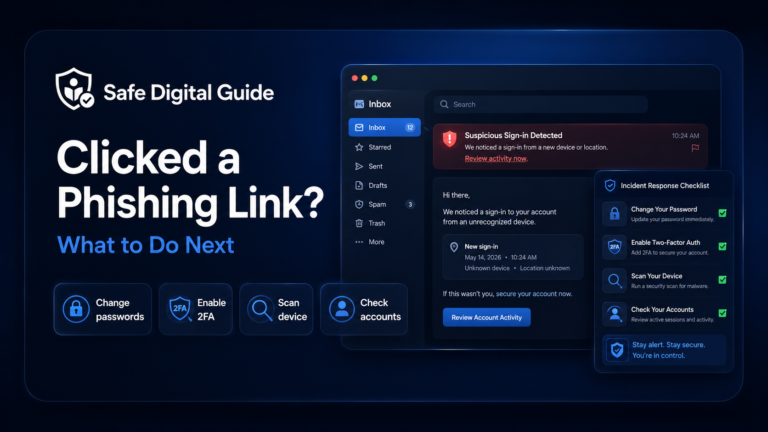
If you clicked a suspicious link and are not sure what happened, you can also read our full guide on what to do if you clicked a phishing link.
Can a Phishing Link Hack My Phone Automatically?
In normal situations, just tapping a phishing link does not automatically give someone full control of your phone. Modern iPhone and Android devices have security protections that make automatic hacking difficult.
However, a phishing link can still be dangerous because it may lead you to:
- A fake login page that steals your password.
- A fake support page that asks for personal details.
- A malicious file or app download.
- A page asking for notification, camera, location, or account permissions.
- A scam payment page that steals card details.
- A fake verification page asking for a 2FA code.
So the better question is not only “can a phishing link hack my phone?” but also “what did I do after opening the link?”
What Usually Happens After Clicking a Phishing Link?
Many phishing links are not designed to hack the phone directly. They are designed to create panic, trust, or urgency so you give information away yourself.
Lower-risk situation
- You opened the link.
- You did not enter any information.
- You did not download files.
- You did not install apps.
- You closed the page quickly.
Higher-risk situation
- You entered your password.
- You submitted payment details.
- You typed a verification code.
- You downloaded or installed something.
- You allowed suspicious permissions.
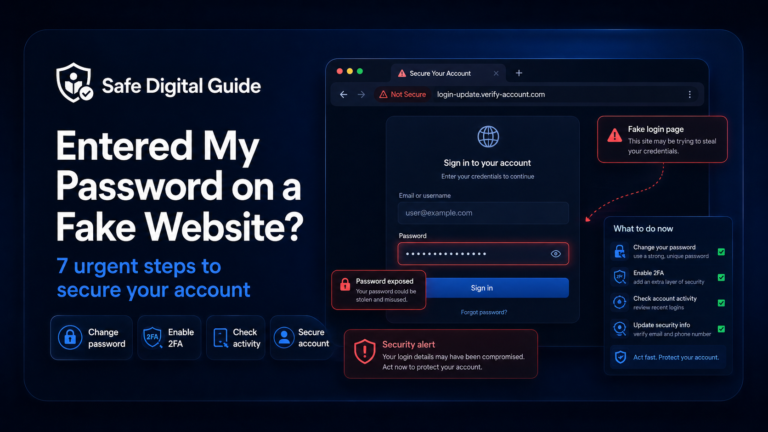
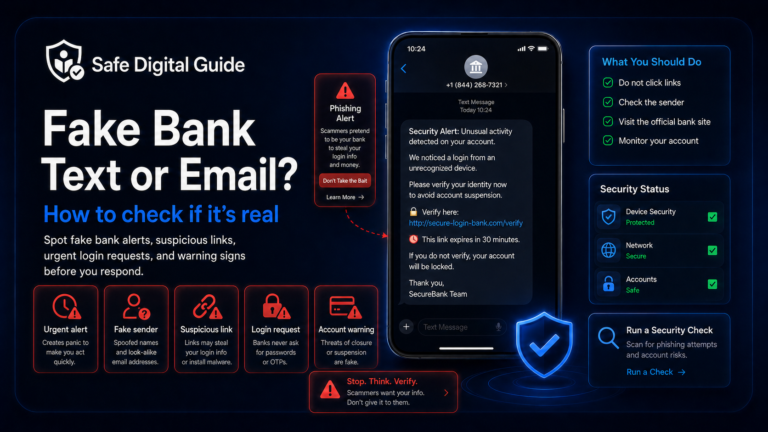
If you entered login details, read our guide on what to do after entering your password on a fake website.
When Does a Phishing Link Become Dangerous?
A phishing link becomes much more dangerous when it moves from “you viewed a page” to “you gave the attacker access, data, or permissions.”
What to Do Immediately After Clicking a Phishing Link
If you are worried after clicking a suspicious link, follow these steps in order.
Close the suspicious page
Do not click more buttons, download files, or enter any information on the page.
Disconnect if something downloaded
If a file or app started downloading, stop it if possible and avoid opening it.
Change passwords if you entered them
Use the official website or app, not the suspicious link.
Check account activity
Look for unknown logins, changed recovery details, messages, purchases, or new devices.
Run a security check
Update your phone, check installed apps, review permissions, and scan when possible.
Signs Your Phone or Accounts May Be at Risk
After clicking a phishing link, watch for warning signs. One sign alone does not always mean your phone was hacked, but several signs together should be taken seriously.
What to Check on iPhone
If you clicked a phishing link on an iPhone, start with your browser, Apple ID, installed apps, and device updates.
iPhone security checklist
Update iOS, close suspicious tabs, clear website data if needed, check your Apple ID devices, review app permissions, and remove apps you do not recognize.
- Update your iPhone to the latest iOS version.
- Close the suspicious browser tab.
- Check Settings for unknown profiles or device management entries.
- Review apps you recently installed.
- Check Apple ID login activity and trusted devices.
- Change passwords if you entered any account details.
If the link pretended to be Apple, banking, email, delivery, or social media support, go directly to the official app or website and check your account there.
What to Check on Android
If you clicked a phishing link on Android, pay extra attention to downloaded files, installed apps, browser permissions, and security settings.
Android warning
Be especially careful if the link asked you to install an APK, update an app outside the Play Store, enable unknown sources, or grant accessibility permissions.
- Update Android and your browser.
- Delete suspicious downloads you did not open or need.
- Uninstall unknown apps.
- Review app permissions, especially accessibility, SMS, contacts, camera, microphone, and location.
- Run Google Play Protect or another trusted security scan.
- Change passwords if you entered login information.
If You Entered Personal Information
If the phishing page asked for your name, address, phone number, date of birth, national ID, card details, or account login, the risk is more serious.
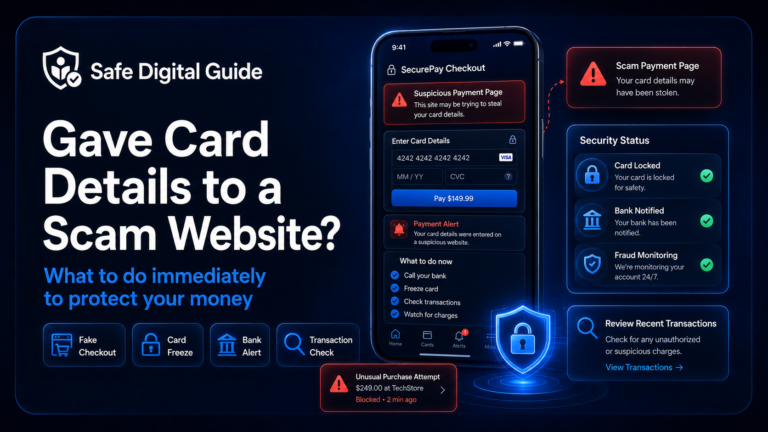
If you entered payment information, contact your bank or payment provider. If you entered a password, change it immediately and enable two-factor authentication.
What Not to Do After Clicking a Phishing Link
When people panic, they often make the situation worse. Avoid these common mistakes.
Avoid this
- Do not keep clicking around the suspicious website.
- Do not call phone numbers shown on the fake page.
- Do not install apps or updates from the link.
- Do not enter passwords or verification codes.
- Do not ignore unknown logins or account alerts.
Do this instead
- Close the page.
- Use the official website or app.
- Change exposed passwords.
- Check recent account activity.
- Review phone permissions and installed apps.
How to Protect Your Phone Next Time
The best protection is to make phishing links less effective before they reach you.
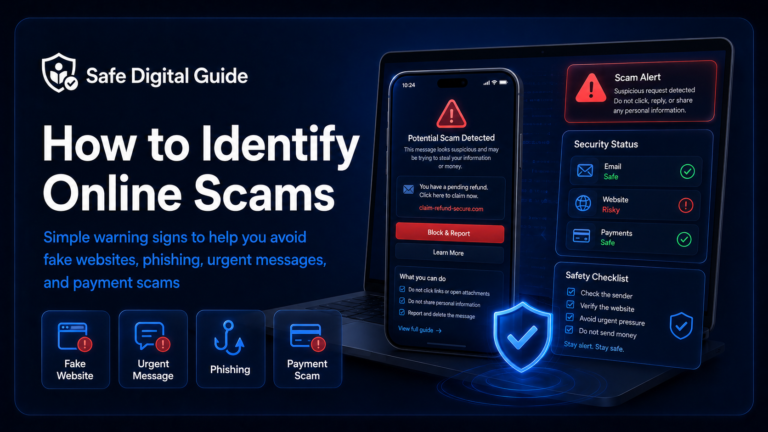
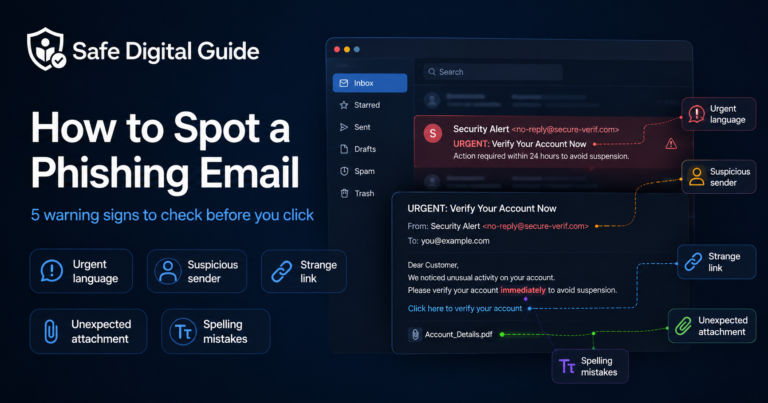
You can also learn the warning signs in our guide on how to spot a phishing email.
Helpful Official Resources
For more guidance, you can review official phishing advice from CISA, consumer scam guidance from the FTC, and mobile security advice from Google Account Help.
Frequently Asked Questions
Can a phishing link hack my phone?
A phishing link usually does not hack your phone automatically just by being opened. The risk is higher if you entered information, downloaded a file, installed an app, granted permissions, or typed a verification code.
What should I do if I clicked a phishing link on my phone?
Close the page, do not enter information, delete suspicious downloads, check installed apps, review account activity, and change any password you entered through the link.
Can my iPhone get hacked from clicking a link?
It is uncommon for a fully updated iPhone to be hacked just from opening a link, but phishing pages can still steal passwords, codes, payment details, or trick you into installing risky profiles or apps.
Can my Android phone get hacked from clicking a link?
Android phones can be at higher risk if you install apps from unknown sources, download suspicious files, or grant dangerous permissions. Keep Android updated and avoid APKs from random links.
Should I reset my phone after clicking a phishing link?
Usually, a full reset is not necessary if you only opened the link and did not enter information, download files, install apps, or grant permissions. If you installed something suspicious or the phone behaves strangely, consider getting help or backing up important data before taking stronger action.
What if I entered my password after clicking the link?
Change the password immediately from the official website or app, enable two-factor authentication, check recent logins, and change the password anywhere else you reused it.
If you are still asking “can a phishing link hack my phone?” start by checking what happened after you clicked it. If you entered data, installed something, or allowed permissions, secure your phone and accounts immediately.
Final Safety Note
Clicking a phishing link is scary, but it does not always mean your phone has been hacked. The real danger usually comes from entering passwords, sharing codes, downloading files, installing apps, or granting permissions.
The safest habit is simple: do not log in from unexpected links. Open the official website or app yourself, check the domain carefully, and keep your phone updated.