How to Check If Your Password Was Leaked
How to Check If Your Password Was Leaked
Learning how to check if your password was leaked can help you protect your email, banking, shopping, social media, cloud, and personal accounts before someone uses stolen login details.
This guide explains what a leaked password means, warning signs to look for, how to check safely, what to do after a data breach, and how to stop one exposed password from putting all your accounts at risk.
Quick Answer: How to Check If Your Password Was Leaked
To check if your password was leaked, use trusted breach-checking tools from reputable security services, check account security alerts, review login activity, and look for warnings from your email provider, password manager, or browser. If a password was leaked, change it immediately and change it anywhere else you reused it.
Do not test passwords on random websites
Never type your real password into an unknown website just to “check” if it was leaked. Use trusted tools and avoid any site that asks for your full password without a clear reason.
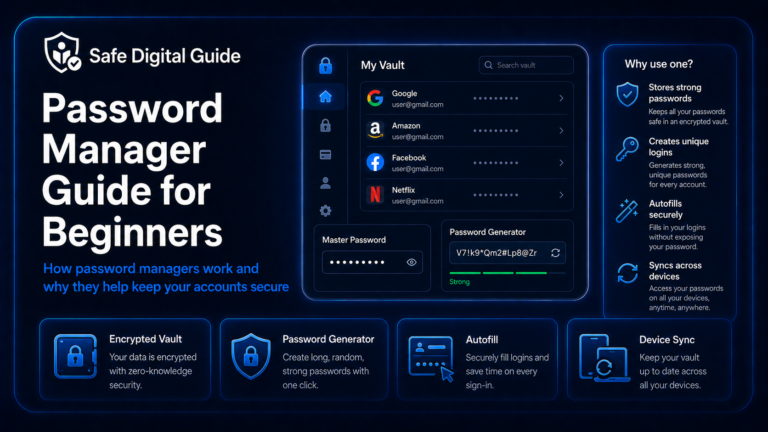
If you reuse passwords often, read our password manager guide for beginners.
Leaked Password Emergency Checklist
Use this checklist if you think your password appeared in a data breach or was exposed online.
1. What Does It Mean If Your Password Was Leaked?
If your password was leaked, it means your login details may have been exposed through a data breach, phishing page, hacked website, malware, unsafe app, or another security incident.
Sometimes a leaked password appears with your email address. This is dangerous because attackers can try that email and password combination on other websites.
What may be exposed
- Your email address.
- Your username.
- Your password or password hash.
- Your phone number.
- Your name or personal details.
- Old account information.
Why it matters
- Attackers may try your password on other sites.
- Reused passwords can expose multiple accounts.
- Your email may receive more phishing attempts.
- Old leaked data can still be useful to scammers.
- Weak passwords are easier to abuse after a leak.
A leak does not always mean someone has already accessed your account, but it means you should act before they do.
2. Warning Signs Your Password May Be Leaked
You may not always receive a clear warning that your password was leaked. Still, there are common signs that your login details may be exposed.
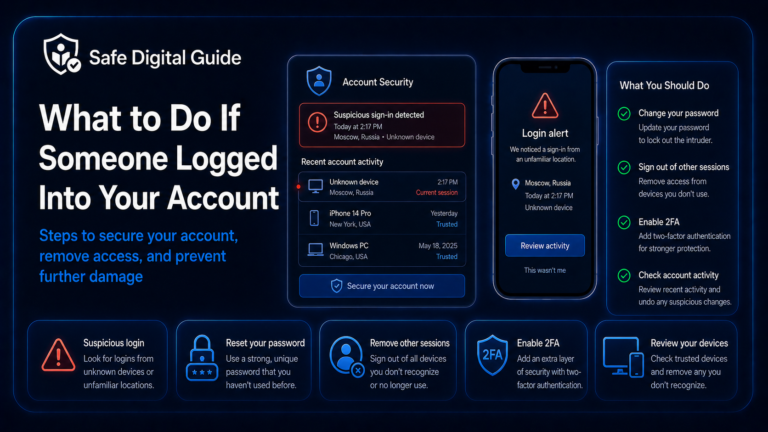
If you already saw a suspicious login, read Someone Logged Into My Account: What to Do Now.
3. How to Check If Your Password Was Leaked Safely
The safest way to check if your password was leaked is to use trusted security tools, account alerts, and password manager warnings. Be careful with random websites that ask you to enter sensitive information.
Check your email address
Use a reputable breach-checking tool to see whether your email appears in known data breaches.
Review password manager alerts
Many password managers warn you about weak, reused, or exposed passwords.
Check browser security warnings
Some browsers can detect saved passwords that appear in known breaches.
Review account activity
Look for unknown logins, devices, locations, password changes, and recovery changes.
Safer checking habit
Checking an email address is usually safer than entering your full password into an unknown website. If you are unsure, do not enter the password.
4. What to Do If Your Password Was Leaked
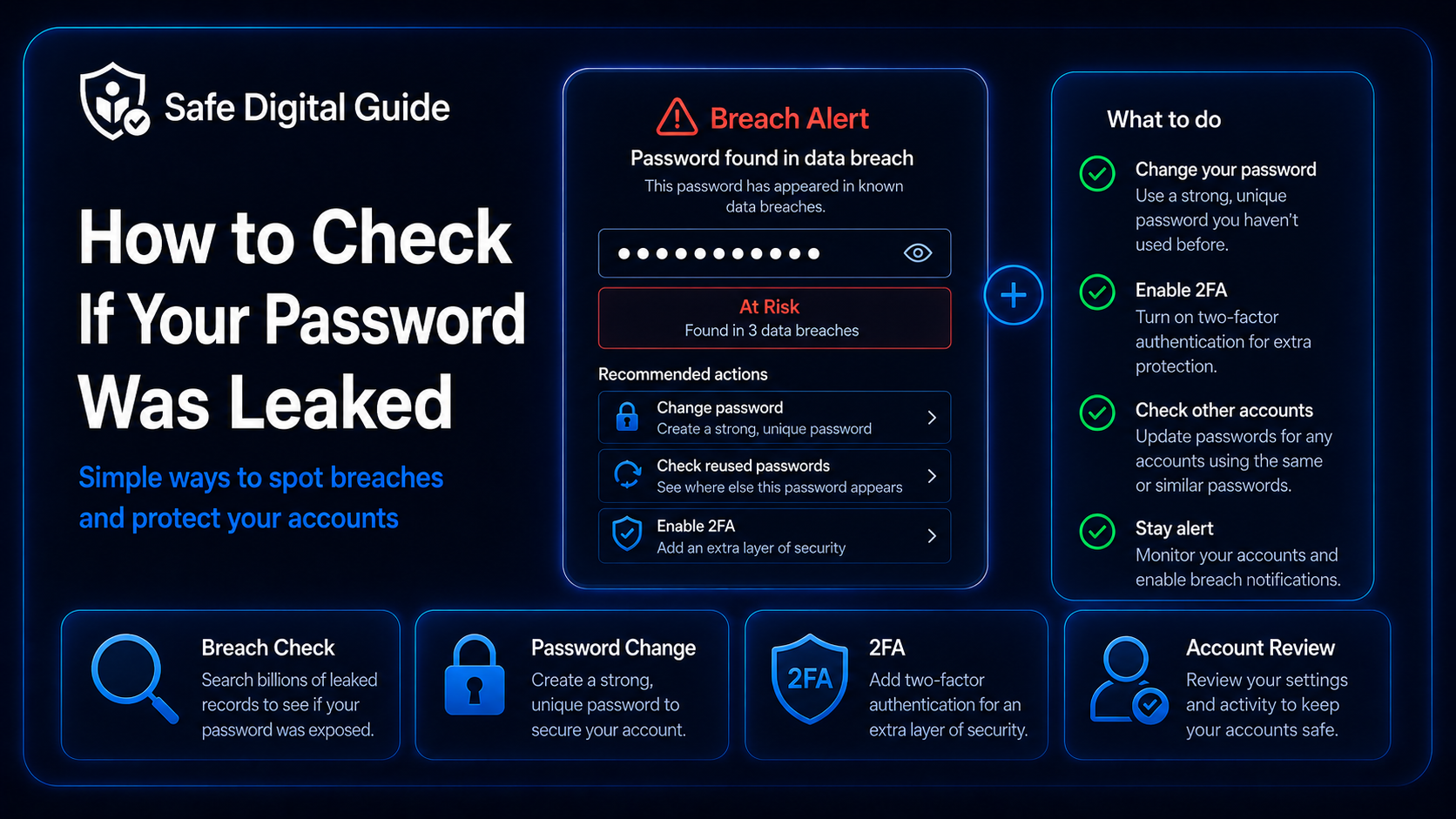
If your password was leaked, your first step is to change it on the affected account. Then check whether you used the same password anywhere else.
Immediate actions
- Change the leaked password.
- Use a new password you have never used before.
- Sign out unknown devices.
- Review recent login activity.
- Enable two-factor authentication.
Extra protection
- Check recovery email and phone number.
- Remove unknown connected apps.
- Change reused passwords on other accounts.
- Scan your device if you suspect malware.
- Watch for phishing emails after the breach.
For password creation help, read How to Create a Strong Password You Can Actually Remember.
5. Change Reused Passwords Immediately
Password reuse is the biggest danger after a leak. If one leaked password works on several accounts, attackers may try it everywhere.
High-risk situation
If your leaked password is also used for your email, bank, shopping account, social media, or cloud storage, change those accounts immediately.
Prioritize these accounts first:
- Your email account.
- Your banking and payment accounts.
- Your password manager.
- Your social media accounts.
- Your cloud storage accounts.
- Your work, school, or business accounts.
- Shopping accounts with saved cards or addresses.
Each important account should have its own unique password. A password manager can make this easier.
6. Enable Two-Factor Authentication
Two-factor authentication can help protect your account even if your password was leaked. It adds a second login step, such as a code from an authenticator app, a phone prompt, or a security key.
Learn more here: Two-Factor Authentication Explained for Beginners.
7. Review Account Activity After a Leak
After changing the leaked password, review what happened inside the account. A password leak may not mean someone got in, but you should check.
Look for unknown devices, login locations, messages, purchases, profile changes, recovery changes, and connected apps.
8. Secure Your Email Account First
Your email account is one of the most important accounts to protect after a password leak. If someone controls your email, they may be able to reset passwords for many other services.
Email is the master key
Protect your email with a unique password, two-factor authentication, secure recovery options, and regular activity checks.
Check your email for unknown logins, forwarding rules, filters, recovery changes, and messages you did not send.
Use this guide if needed: What to Do If Your Email Is Hacked: 10 Urgent Steps.
9. Watch for Phishing After a Data Breach
After a data breach, scammers may use leaked information to make phishing messages look more believable. They may mention your email, name, old password, phone number, or account details.
Common phishing messages after a leak
- Fake password reset warnings.
- Fake bank security alerts.
- Fake account suspension emails.
- Fake delivery or payment messages.
- Blackmail emails showing an old password.
Safer response
- Do not click links from suspicious alerts.
- Open the real website or app yourself.
- Never share verification codes.
- Do not panic if a scammer shows an old password.
- Report phishing messages when possible.
If you receive suspicious messages, read How to Spot a Phishing Email.
10. Use a Password Manager to Prevent Future Risk
A password manager helps you create and store unique passwords for every account. This reduces the damage of future leaks because one exposed password will not unlock all your accounts.
Create a strong master password
Use a long, unique password that you do not use anywhere else.
Import or save your accounts
Add your important accounts and review weak or reused passwords.
Replace reused passwords
Start with email, banking, social media, cloud storage, and shopping accounts.
Enable 2FA
Protect the password manager itself with two-factor authentication.
Learn the basics here: Password Manager Guide for Beginners.
What Not to Do If Your Password Was Leaked
If you find out your password was leaked, avoid these mistakes.
Do not do this
- Do not ignore the leak.
- Do not reuse the same password again.
- Do not only change one account if the password was reused.
- Do not click suspicious breach warning emails.
- Do not enter your real password into random checker sites.
Do this instead
- Change the leaked password immediately.
- Change reused passwords on other accounts.
- Enable two-factor authentication.
- Review account activity.
- Use trusted security tools and official account pages.
Related Guides
These guides can help you protect your accounts after a password leak:
Helpful Official Resources
For more guidance, review password safety advice from CISA, account security guidance from Google Account Help, and password manager advice from the NCSC.
Frequently Asked Questions
How do I check if my password was leaked?
Use trusted breach-checking tools, password manager alerts, browser security warnings, and account security notifications. Avoid entering your real password into random websites.
What should I do if my password was leaked?
Change the leaked password immediately, change it anywhere else you reused it, enable two-factor authentication, and review recent account activity.
Is it dangerous if an old password was leaked?
It can still be dangerous if you reused that old password anywhere else. Scammers may also use old passwords in phishing or blackmail emails to scare you.
Should I change all my passwords after a leak?
Start with the leaked password and any accounts where you reused it. Prioritize email, banking, shopping, cloud storage, password manager, and social media accounts.
Can two-factor authentication protect me after a password leak?
Yes, 2FA can help block unauthorized logins even if someone has your password. You should still change the leaked password immediately.
Can a password manager tell me if passwords were leaked?
Many password managers can warn you about weak, reused, or exposed passwords. These alerts can help you decide which passwords to change first.
Knowing how to check if your password was leaked can help you respond quickly, protect your accounts, and reduce the damage from data breaches.
Final Safety Note
If your password was leaked, act quickly but carefully. Change the password, change reused passwords, enable two-factor authentication, and review account activity.
The safest habit is simple: use a different strong password for every important account, protect your email first, and never reuse passwords across services.