How to Recover a Hacked Account
How to Recover a Hacked Account: Step-by-Step Guide
Learning how to recover a hacked account can help you regain access, remove the attacker, secure your password, protect your data, and prevent the same account from being compromised again.
This guide explains what to do if your account was hacked, how to use official recovery options, how to secure your email first, how to reset your password, and what settings to check after you get back in.
Quick Answer: How to Recover a Hacked Account
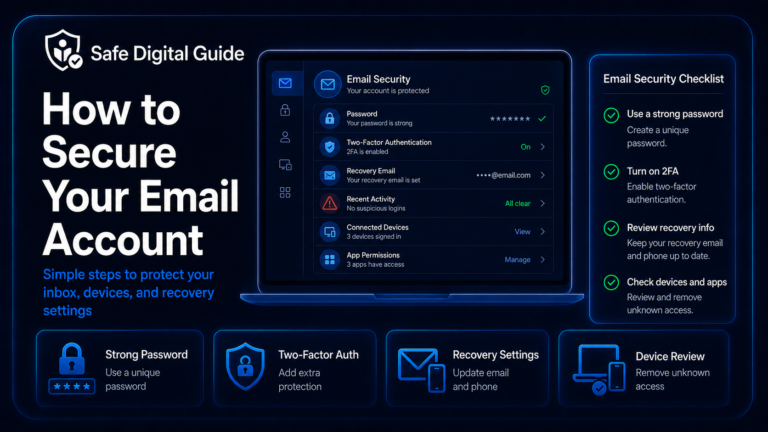
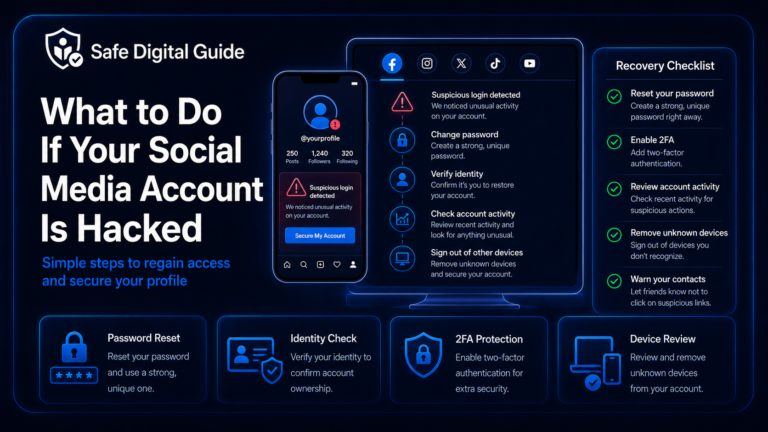
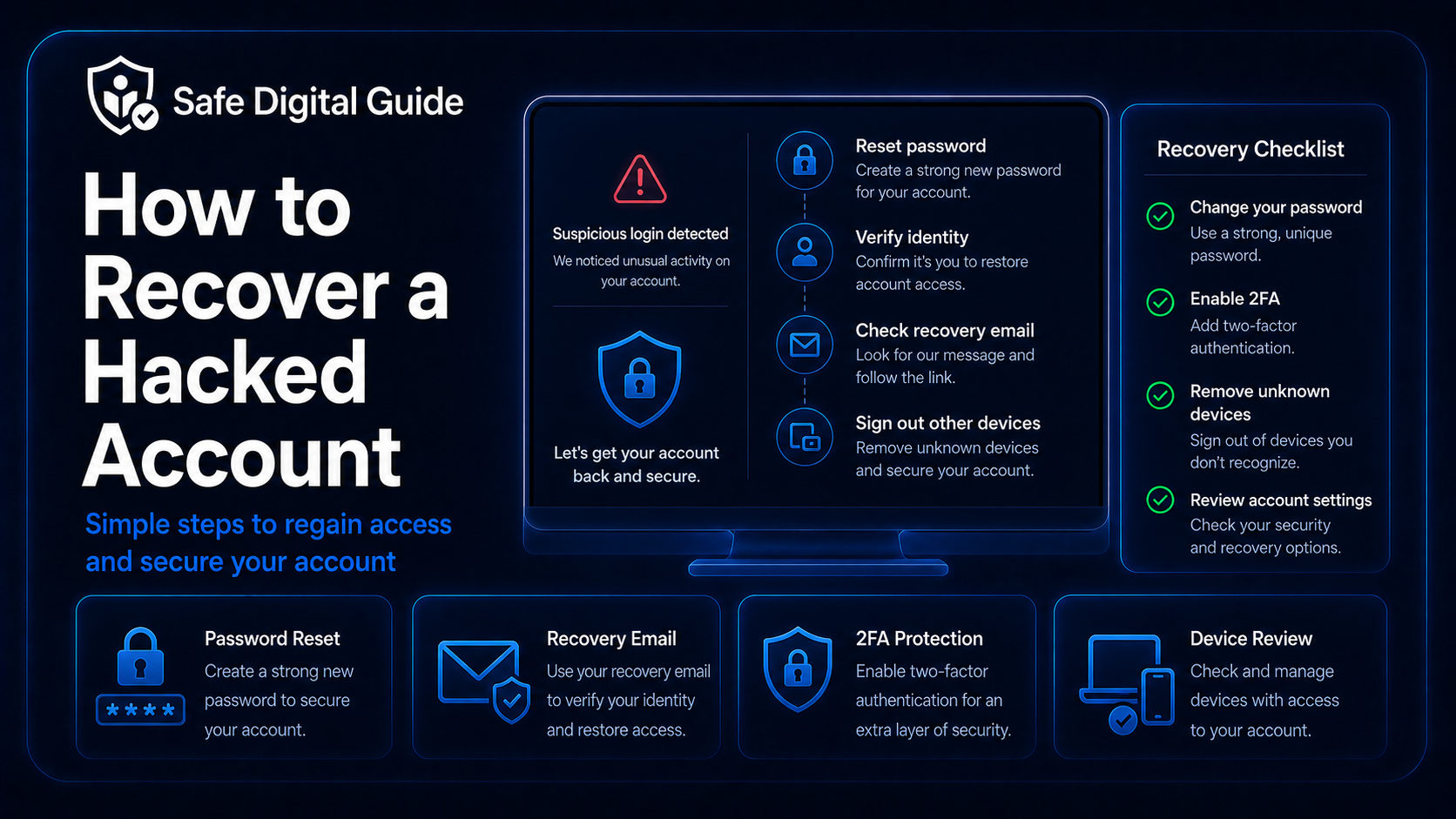
To recover a hacked account, use the official account recovery page or app, reset your password, secure your email account, enable two-factor authentication, sign out unknown devices, check recovery options, remove suspicious connected apps, and review recent activity for damage.
Use official recovery only
Do not use recovery links from random emails, text messages, pop-ups, or social media messages. Open the official website or app yourself and start recovery from there.
If the hacked account is your email account, read our dedicated guide on what to do if your email is hacked.
Hacked Account Recovery Checklist
Use this checklist if you think someone accessed your account without permission.
1. Confirm the Account Was Really Hacked
Before trying to recover a hacked account, check whether the signs point to real unauthorized access. Sometimes a login alert is a false alarm, but you should still treat it seriously until you confirm what happened.
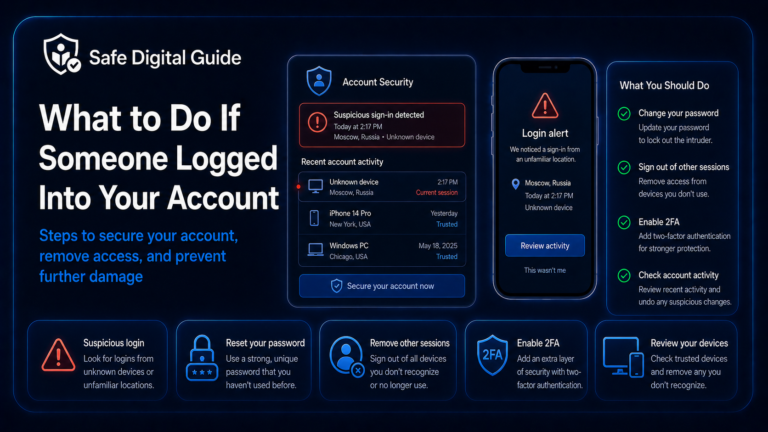
If you only received a suspicious login alert, read Someone Logged Into My Account: What to Do Now.
2. Try to Log In Safely
Try logging in only through the official website or app. Do not click login or recovery links from suspicious emails, text messages, ads, or direct messages.
Safer ways to access recovery
- Open the official app manually.
- Type the official website address yourself.
- Use a trusted bookmark.
- Use the platform’s official help center.
- Use recovery options shown inside the real app.
Avoid these recovery risks
- Links from unknown emails.
- Recovery links from text messages you did not request.
- Fake support accounts on social media.
- Websites asking for your password and 2FA code together.
- Anyone promising instant recovery for money.
Fake recovery pages are common. If you are unsure about a website, read How to Tell If a Website Is Fake.
3. Use the Official Account Recovery Process
If you cannot log in, use the account recovery process provided by the real service. This may ask you to verify your identity through your recovery email, phone number, backup codes, trusted device, or previous account information.
Open the official recovery page
Use the real website or app and look for “forgot password,” “recover account,” or “secure account.”
Verify your identity
Use your recovery email, phone number, backup codes, trusted device, or official verification steps.
Reset your password
Create a new strong password that has not been used on any other account.
Secure the account immediately
Once you regain access, check devices, recovery settings, 2FA, connected apps, and recent activity.
Recovery may take time
Account recovery can be slow if the attacker changed your password, phone number, or recovery email. Follow the official process carefully and keep evidence of what happened.
4. Secure Your Email Account First
Your email account is often the most important account to protect. Many websites use email to reset passwords, send login alerts, and confirm security changes.
Email is the master key
If an attacker controls your email, they may be able to reset passwords for your other accounts even after you recover them.
Check your email account for unknown logins, forwarding rules, filters, recovery changes, connected apps, and messages you did not send.
Use this full guide: What to Do If Your Email Is Hacked: 10 Urgent Steps.
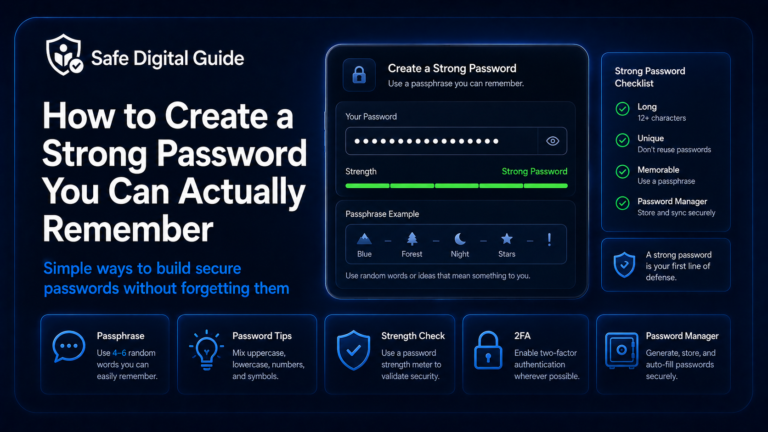
5. Reset Your Password With a Strong New One
After you recover a hacked account, create a new password that is long, unique, and not reused anywhere else.
Good password recovery habits
- Use a completely new password.
- Make it long and hard to guess.
- Do not reuse old passwords.
- Do not use personal details.
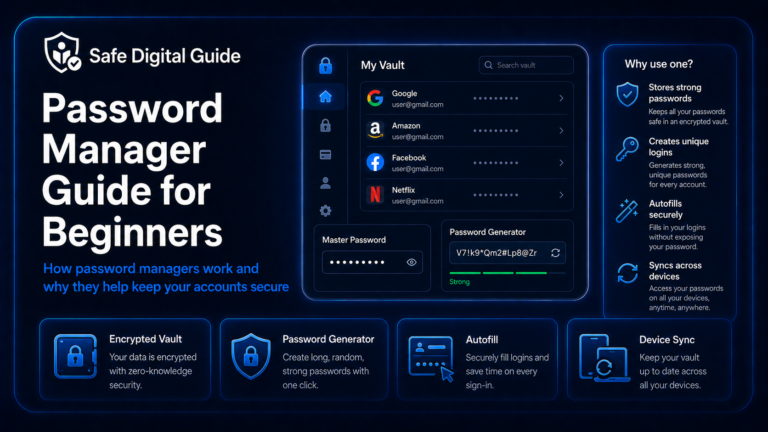
- Use a password manager if possible.
Password mistakes to avoid
- Using the same password again.
- Only adding one number to the old password.
- Using the same password on multiple accounts.
- Saving it in an unsafe note.
- Sharing it with anyone.
For help, read How to Create a Strong Password You Can Actually Remember.
6. Enable Two-Factor Authentication
Two-factor authentication adds a second login step. This makes it harder for someone to access your account again, even if they somehow learn your password.
Learn the basics here: Two-Factor Authentication Explained for Beginners.
7. Sign Out Unknown Devices and Sessions
Once you recover a hacked account, remove any active sessions you do not recognize. Some attackers may stay signed in if you only change the password and do not revoke access.
Use “sign out of all devices” when available
Many platforms let you sign out every device at once. After that, sign back in only on devices you trust.
Look for unfamiliar devices, browsers, locations, login times, apps, or sessions. Remove anything suspicious.
For more detail, read Someone Logged Into My Account: What to Do Now.
8. Check Recovery Settings
Attackers may change recovery settings so they can regain access later. After recovering the hacked account, check every recovery option.
Recovery settings matter
If recovery options still point to the attacker, they may be able to reset the password again later.
9. Remove Suspicious Connected Apps
Some accounts allow third-party apps, browser extensions, integrations, or devices to stay connected. A hacked account may have suspicious apps attached to it.
- Remove unknown connected apps.
- Remove suspicious browser extensions.
- Revoke access from old devices.
- Disconnect tools you no longer use.
- Review permissions for apps that can read messages, files, contacts, or account data.
This step is especially important for email, cloud storage, social media, business tools, and password managers.
10. Review What the Attacker Changed
Recovering access is only part of the process. You also need to check what happened while the attacker had access.
Check messages, posts, files, orders, payment methods, profile changes, recovery settings, connected apps, and security logs.
11. Warn Contacts If Scam Messages Were Sent
If the attacker used your account to send scam messages, warn your contacts as soon as possible. This is common with email, social media, messaging apps, and business accounts.
What to tell your contacts
Tell them not to click links, open attachments, send money, share codes, or respond to strange messages that came from your account.
Keep the warning simple and direct. You do not need to explain every detail, but people should know the account was compromised and that suspicious messages should be ignored.
12. Contact Support If You Are Locked Out
If you cannot recover the hacked account yourself, contact the platform’s official support. Use the real help center or support page, not random recovery services.
Useful evidence
- Your account username or email.
- Approximate date of the hack.
- Screenshots of login alerts.
- Proof of ownership if requested.
- Details of changed recovery options.
- Suspicious messages or activity.
Avoid recovery scams
- Do not pay random “account recovery experts.”
- Do not share passwords or 2FA codes.
- Do not give remote access to your device.
- Do not trust fake support accounts.
- Do not use unofficial recovery forms.
Account recovery scammers target people who are stressed. Stay on official channels only.
What Not to Do When Recovering a Hacked Account
When you are trying to recover a hacked account, avoid mistakes that can make the situation worse.
Do not do this
- Do not use suspicious recovery links.
- Do not reuse the old password.
- Do not ignore recovery settings.
- Do not forget to sign out unknown devices.
- Do not share verification codes with anyone.
- Do not pay unofficial recovery services.
Do this instead
- Use official recovery pages.
- Create a new strong password.
- Enable two-factor authentication.
- Review devices, sessions, and apps.
- Secure your email account.
- Contact official support if needed.
Related Guides
These guides can help you recover and secure your accounts:
Helpful Official Resources
For more guidance, review account recovery guidance from Google Account Help, Microsoft account recovery help from Microsoft Support, and password safety advice from CISA.
Frequently Asked Questions
How do I recover a hacked account?
Use the official recovery page or app, verify your identity, reset your password, secure your email, enable two-factor authentication, sign out unknown devices, and review account activity.
What should I do first if my account was hacked?
Start by securing your email account and using the official recovery process for the hacked account. Then reset your password and remove unknown devices.
What if the hacker changed my password?
Use the platform’s official account recovery process. You may need your recovery email, phone number, backup codes, trusted device, or proof of account ownership.
Should I enable 2FA after recovering a hacked account?
Yes. Two-factor authentication helps prevent future unauthorized access, even if someone learns your password again.
Can someone hack my account again after I recover it?
Yes, especially if recovery options, connected apps, or active sessions were not cleaned up. Review all security settings after recovery.
Should I pay someone to recover my account?
Be very careful. Many “account recovery experts” are scams. Use official support and official recovery tools from the platform whenever possible.
Knowing how to recover a hacked account can help you regain access faster and reduce the chance of the attacker getting back in.
Final Safety Note
Recovering a hacked account is not only about getting back in. You also need to remove the attacker, change weak security settings, secure your email, and protect connected accounts.
The safest habit is simple: recover through official channels, reset your password, enable two-factor authentication, and review every setting that could let the attacker return.