What to Do If Your Social Media Account Is Hacked
What to Do If Your Social Media Account Is Hacked
If your social media account is hacked, act quickly. A hacked profile can be used to scam your followers, send fake messages, post harmful content, steal private conversations, or lock you out completely.
This guide explains what to do if your social media account is hacked, how to recover access, reset your password, remove unknown devices, enable two-factor authentication, warn your contacts, and protect your profile from future attacks.
Quick Answer: Social Media Account Hacked
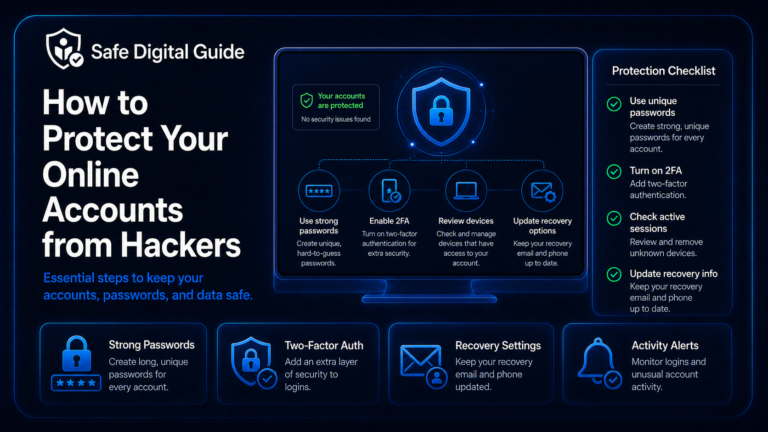
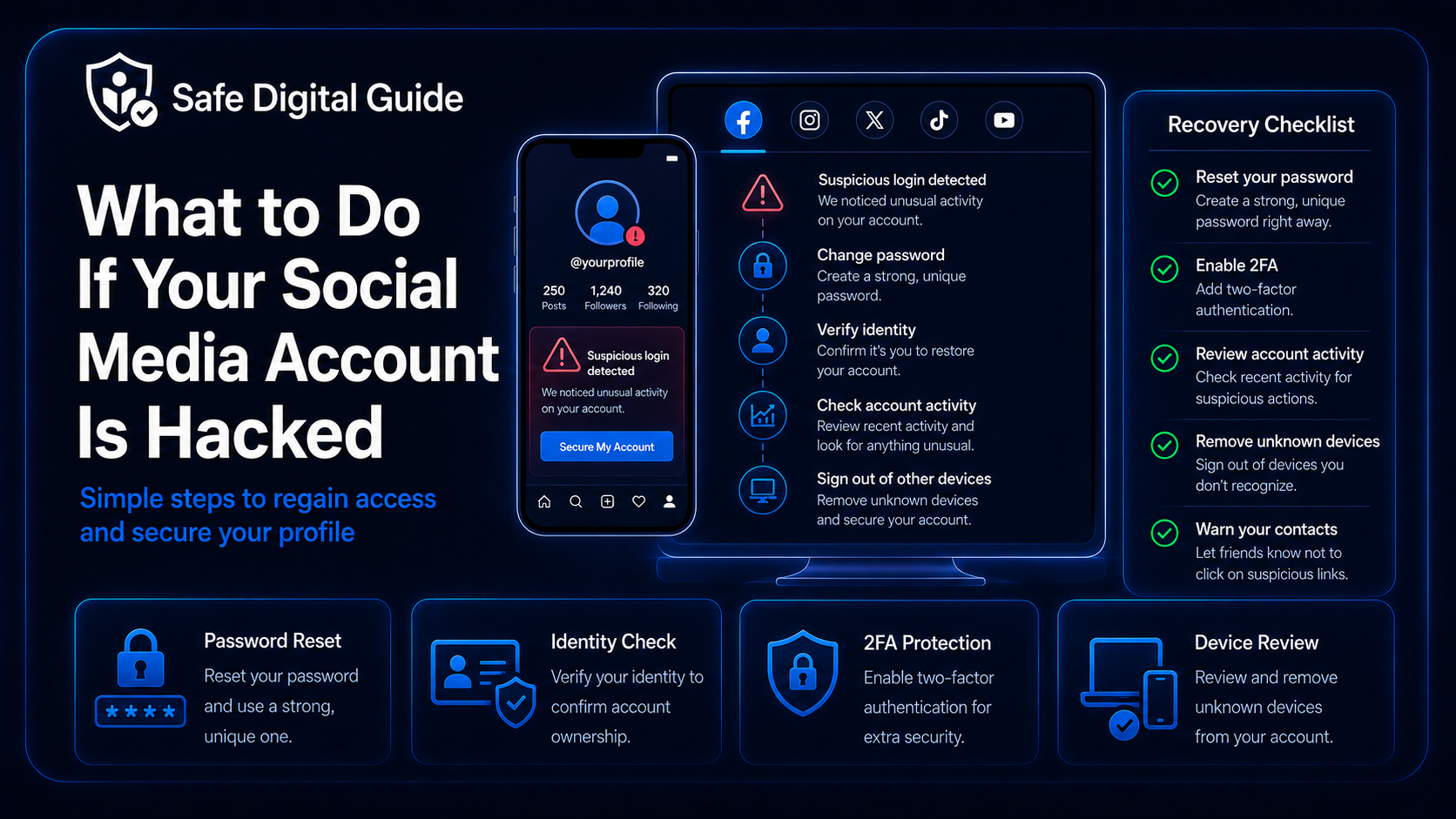
If your social media account is hacked, change your password immediately, sign out unknown devices, enable two-factor authentication, check recent activity, remove suspicious connected apps, review recovery settings, and warn your contacts not to click strange links or send money.
Act fast
Social media accounts are often used to scam friends, followers, customers, or family members. The faster you secure the account, the less damage an attacker can cause.
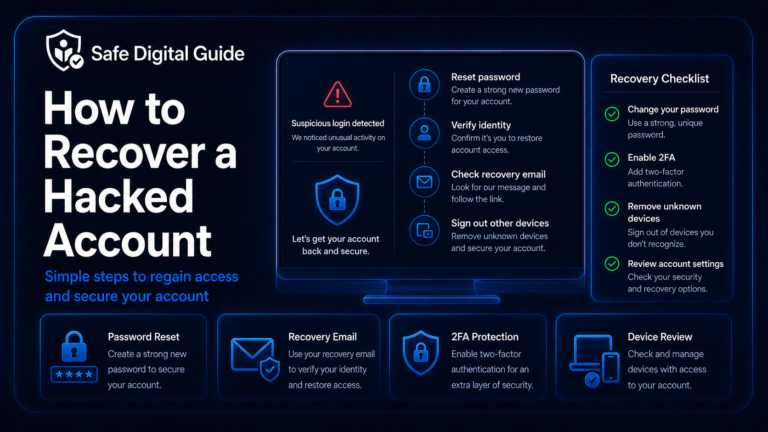
If you are locked out completely, read our full guide on how to recover a hacked account.
Social Media Account Hacked Checklist
Use this checklist if you think someone accessed your Instagram, Facebook, TikTok, X, Snapchat, YouTube, LinkedIn, or another social media account.
1. Change Your Password Immediately
If your social media account is hacked but you can still log in, change the password immediately from the official app or website. Do not use links from suspicious emails, text messages, or direct messages.
Use a stronger password
- Make it long and unique.
- Do not reuse an old password.
- Do not use your name, birthday, username, or favorite team.
- Do not use the same password on other accounts.
- Store it safely in a password manager if possible.
Avoid these mistakes
- Changing your password through a suspicious link.
- Only adding one number or symbol to the old password.
- Reusing your email password.
- Sharing your password with anyone.
- Saving it in an unsafe note or message.
For help creating a safer password, read How to Create a Strong Password You Can Actually Remember.
2. Sign Out of Unknown Devices
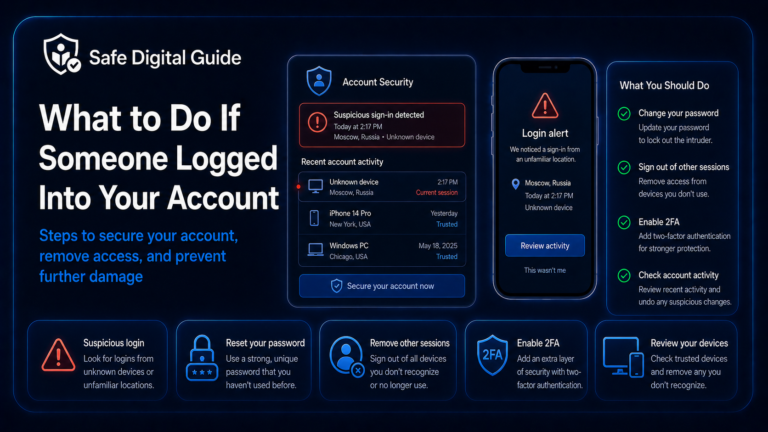
After changing your password, check active sessions and devices. Many social media platforms show where your account is logged in, including phones, browsers, locations, and device names.
Important step
Changing your password may not always remove every active session. Use “log out of all devices” or remove unknown devices manually when the platform allows it.
Look for unfamiliar phones, computers, browsers, locations, or login times. If you see anything suspicious, remove it and check your account activity immediately.
If you received an unknown login alert, read Someone Logged Into My Account: What to Do Now.
3. Enable Two-Factor Authentication
Two-factor authentication adds a second step when someone tries to log in. This can help protect your social media account even if someone learns your password.
Never share codes
A scammer may ask for your verification code while pretending to be support, a friend, or a security team. Do not share login codes with anyone.
Learn the basics here: Two-Factor Authentication Explained for Beginners.
4. Check Recent Posts, Messages, and Comments
A hacked social media account is often used to message other people, post scam links, promote fake giveaways, impersonate you, or send suspicious direct messages.
Check posts, stories, comments, direct messages, replies, follows, likes, ads, profile edits, and any links added to your bio or profile.
5. Warn Your Contacts and Followers
If your social media account sent suspicious messages, posted scam links, or asked people for money, warn your contacts as soon as possible.
What to say
Tell people your account was compromised, not to click recent links, not to send money, and not to share codes or personal information with messages that came from your account.
Keep the warning clear and short. If possible, post an update after securing your account and message anyone who may have received suspicious links directly.
6. Check Your Recovery Email and Phone Number
Attackers may change recovery settings so they can regain access later. After securing your social media account, check your recovery information.
If recovery details were changed, update them immediately and review account activity for other changes.
7. Secure the Email Connected to the Account
Your email account is often the key to your social media accounts. If someone controls your email, they may be able to reset your social media passwords again.
Email is critical
If your email is hacked, recovering your social media account may not be enough. Secure your email first so the attacker cannot use password reset links.
Change your email password, enable two-factor authentication, check forwarding rules, remove unknown devices, and review recovery settings.
Use this guide: What to Do If Your Email Is Hacked: 10 Urgent Steps.
8. Remove Suspicious Connected Apps
Social media accounts often connect to third-party apps, scheduling tools, games, browser extensions, analytics platforms, or business tools. Some may have permissions to post, read messages, or access profile data.
- Remove apps you do not recognize.
- Remove old tools you no longer use.
- Review apps with posting or messaging permissions.
- Remove suspicious browser extensions.
- Disconnect devices or services you do not trust.
Clean permissions
If a connected app does not need access anymore, remove it. Fewer connected tools means fewer ways for your account to be abused.
9. Check Ads, Payments, and Business Tools
If your social media account has ad access, creator tools, business pages, monetization, or saved payment methods, check them carefully after a hack.
Check for damage
- Unknown ads or campaigns.
- New payment methods.
- Unknown business managers or admins.
- Changed page roles or permissions.
- Unusual purchases or subscriptions.
Take action
- Remove unknown admins.
- Cancel suspicious ads.
- Remove unknown payment methods.
- Contact official support if money was involved.
- Save screenshots of suspicious activity.
This step is especially important for creator, business, influencer, shop, or brand accounts.
10. Recover the Account If You Are Locked Out
If the attacker changed your password, email, phone number, or two-factor authentication method, use the official recovery process for the platform.
Open the official recovery page
Use the real app or website. Do not trust recovery links from random messages.
Verify your identity
Use recovery email, phone number, backup codes, trusted devices, or official ID checks if required.
Reset your password
Use a new strong password that you have never used on any other account.
Secure the account immediately
Turn on 2FA, remove unknown devices, review recovery settings, and check recent activity.
For a full recovery process, read How to Recover a Hacked Account: Step-by-Step Guide.
11. Watch for Follow-Up Scams
After a social media account is hacked, scammers may target you again. They may pretend to be platform support, recovery experts, friends, or security teams.
Common follow-up scams
- Fake account recovery services.
- Fake support accounts in comments or DMs.
- Messages asking for verification codes.
- Fake security emails with login links.
- People asking for payment to recover your account.
Safer response
- Use only official recovery tools.
- Do not share passwords or 2FA codes.
- Do not pay random recovery experts.
- Do not give remote access to your device.
- Report fake support accounts if possible.
If someone sends a suspicious recovery link, read How to Tell If a Website Is Fake.
How Social Media Accounts Get Hacked
Understanding how social media accounts get hacked can help you avoid the same problem again.
What Not to Do If Your Social Media Account Is Hacked
When your account is hacked, avoid mistakes that can make recovery harder.
Do not do this
- Do not pay random “recovery experts.”
- Do not share verification codes.
- Do not use suspicious recovery links.
- Do not reuse the old password.
- Do not ignore connected apps or active sessions.
- Do not leave your email account unsecured.
Do this instead
- Use official recovery tools.
- Create a new unique password.
- Enable two-factor authentication.
- Remove unknown devices and apps.
- Warn contacts about suspicious messages.
- Secure the email connected to the account.
Related Guides
These guides can help you recover and protect your social media accounts:
Helpful Official Resources
For more guidance, review account security help from Instagram Help, hacked account guidance from Facebook Help, and account security advice from CISA.
Frequently Asked Questions
What should I do if my social media account is hacked?
Change your password, sign out unknown devices, enable two-factor authentication, check recent activity, remove suspicious apps, secure your email, and warn your contacts.
What if I cannot log in to my social media account?
Use the platform’s official account recovery process. You may need your recovery email, phone number, backup codes, trusted device, or identity verification.
Should I tell people my account was hacked?
Yes, especially if suspicious messages or links were sent from your account. Tell contacts not to click links, send money, or share codes.
Can someone hack my social media through my email?
Yes. If someone controls your email, they may be able to reset your social media passwords. Secure your email account immediately.
Should I enable 2FA on social media?
Yes. Two-factor authentication helps protect your account if your password is stolen, leaked, guessed, or reused.
Are account recovery services safe?
Be careful. Many recovery services are scams. Use official recovery tools and official support channels from the platform whenever possible.
Knowing what to do if your social media account is hacked can help you recover faster, protect your profile, and prevent scammers from targeting your contacts.
Final Safety Note
A hacked social media account can affect more than your profile. It can put your friends, followers, business pages, private messages, and reputation at risk.
The safest habit is simple: secure the account, remove unknown access, enable two-factor authentication, protect your email, and warn anyone who may have received scam messages from your profile.