How to Create a Strong Password You Can Actually Remember
How to Create a Strong Password You Can Actually Remember
Learning how to create a strong password is one of the simplest ways to protect your email, banking, shopping, social media, and personal accounts.
A strong password does not need to be impossible to remember. This guide explains how to create a strong password using simple habits, memorable passphrases, unique passwords, and safer account protection methods.
Quick Answer: How to Create a Strong Password
To create a strong password, make it long, unique, hard to guess, and different for every important account. A good method is to use a memorable passphrase made from several unrelated words, then protect your accounts with two-factor authentication whenever possible.
Simple rule
A strong password should be easy for you to remember but hard for someone else to guess. Length and uniqueness matter more than making a short password look complicated.
If you are changing passwords because your email was hacked, read our guide on what to do if your email is hacked.
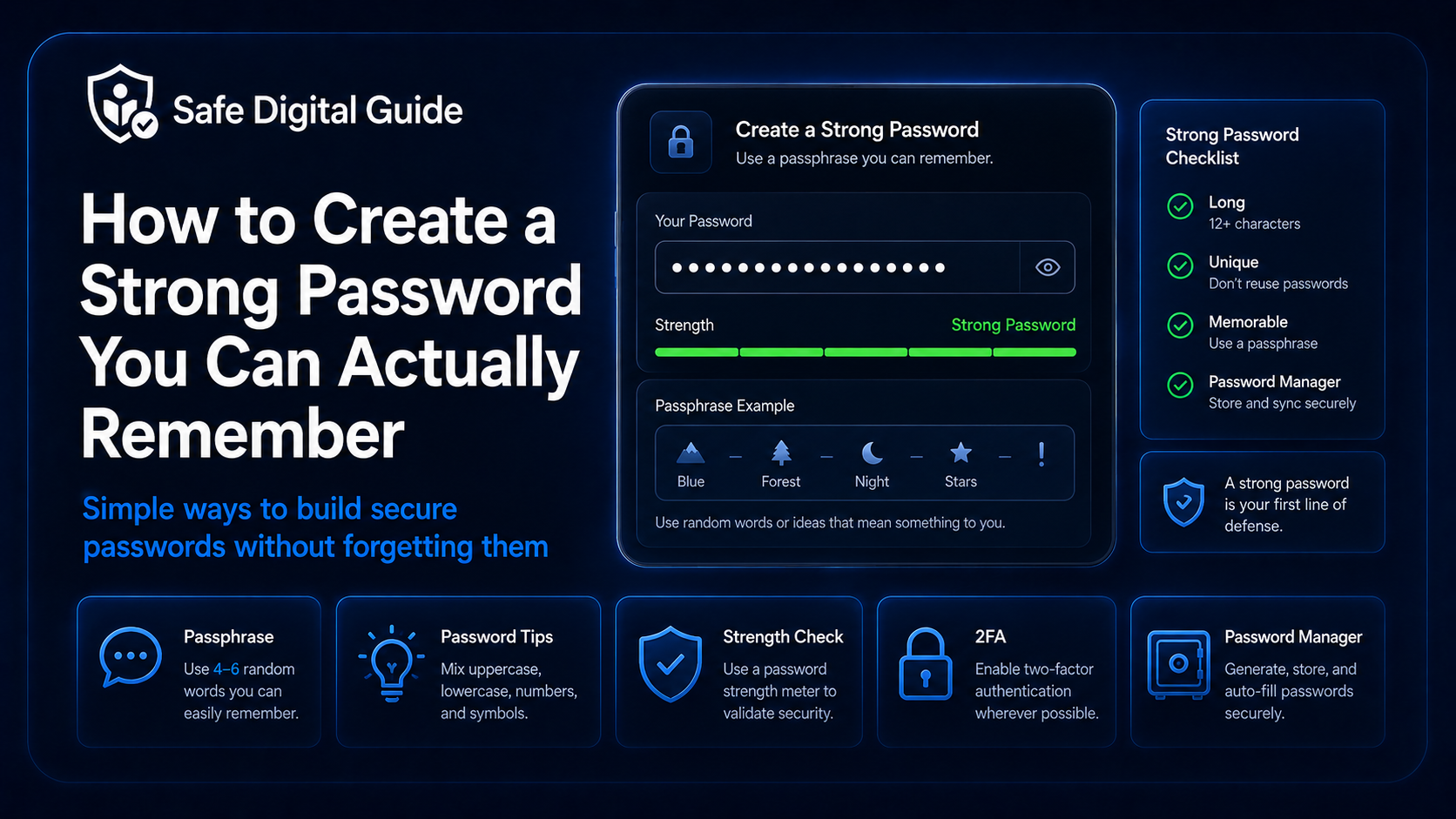
Strong Password Checklist
Use this checklist when creating or updating passwords for important accounts.
1. Make Your Password Long
The first step in how to create a strong password is making it long enough. Longer passwords are generally harder to guess or crack than short passwords, even if the short ones contain symbols.
Weaker password habits
- Short passwords.
- One common word with a number.
- Simple substitutions like “a” to “@”.
- Passwords based on your name or birthday.
- Reusing the same password everywhere.
Stronger password habits
- Use a long password or passphrase.
- Use several unrelated words.
- Make each important password unique.
- Use a password manager when possible.
- Enable two-factor authentication.
A password like a short word plus a number may feel easy to remember, but it is usually easier to guess than a longer phrase.
2. Use a Passphrase You Can Remember
A passphrase is a password made from multiple words. It can be easier to remember than a random string, while still being stronger than a short password.
A strong passphrase should not be a public quote or a sentence other people could guess from your life. Choose words that are memorable to you but not obviously connected to you.
3. Never Reuse Passwords
One of the biggest password mistakes is reusing the same password across multiple accounts. If one website is breached, attackers may try that same email and password on other services.
Password reuse is dangerous
If your email password is the same as your shopping, banking, or social media password, one leak can put several accounts at risk.
Use a different password for every important account, especially your email account, bank account, cloud storage, social media, and password manager.
If you think a password was exposed through a fake website, read Entered My Password on a Fake Website? 7 Urgent Steps.
4. Avoid Personal Information
A strong password should not contain details that someone can find, guess, or connect to you. Attackers may use public information from social media, old leaks, or personal profiles.
The more personal a password is, the easier it may be for someone who knows you or researches you online.
5. Use Symbols and Numbers the Right Way
Symbols, numbers, and uppercase letters can help, but they should not be the only thing making your password strong. A short password with predictable substitutions is still weak.
Predictable patterns
- Replacing “a” with “@”.
- Replacing “o” with “0”.
- Adding “123” at the end.
- Adding “!” at the end.
- Capitalizing only the first letter.
Better approach
- Start with length.
- Use unrelated words.
- Add symbols only if useful.
- Keep each password unique.
- Use a password manager for complex accounts.
The goal is not to create a password that looks complicated. The goal is to create a password that is long, unique, and difficult to guess.
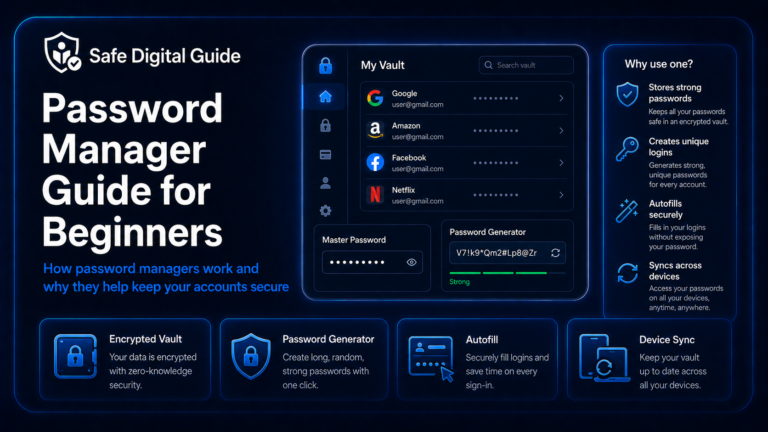
6. Use a Password Manager for Important Accounts
A password manager can create and store strong, unique passwords for each account. This helps you avoid reusing passwords and makes it easier to manage many accounts safely.
Why password managers help
Instead of remembering dozens of passwords, you remember one strong master password and let the password manager store the rest securely.
Password managers are especially useful for email, banking, work, cloud storage, shopping, social media, and any account that contains sensitive data.
7. Protect Your Password With Two-Factor Authentication
Even if you know how to create a strong password, two-factor authentication adds another layer of protection. If someone steals your password, they may still need a second step to log in.
Never share verification codes with someone who contacts you unexpectedly. Scammers may ask for codes to access your accounts.
8. Change Weak or Reused Passwords First
You do not need to fix every password in one day. Start with the accounts that matter most and replace weak or reused passwords first.
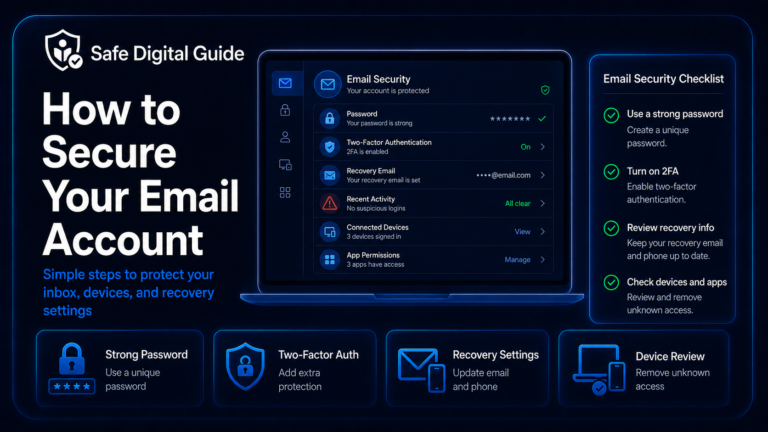
Start with email
Your email can reset many other accounts, so protect it first.
Secure money accounts
Update banking, payment apps, shopping accounts, and accounts with saved cards.
Protect social accounts
Change passwords for social media, messaging, and cloud accounts.
Review old accounts
Delete or secure accounts you no longer use when possible.
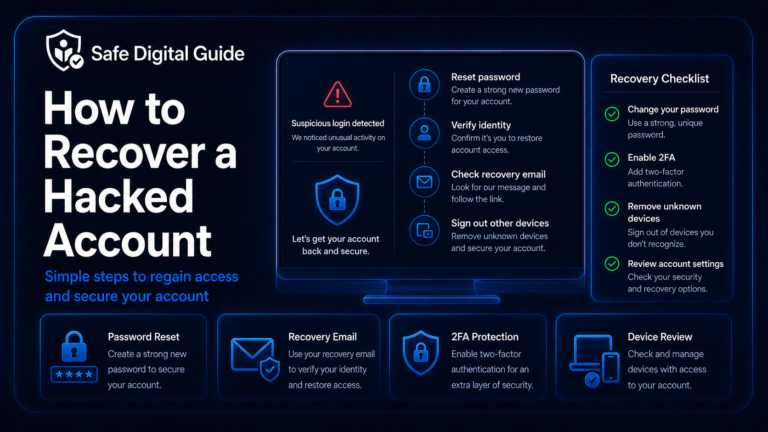
If your email was recently compromised, follow What to Do If Your Email Is Hacked: 10 Urgent Steps.
9. Do Not Save Passwords in Unsafe Places
A strong password can still be risky if it is stored in an unsafe place. Avoid saving passwords where other people, malware, or stolen devices can easily expose them.
Risky places
- Plain notes apps without protection.
- Text messages to yourself.
- Email drafts.
- Unprotected spreadsheets.
- Photos or screenshots of passwords.
Safer options
- Trusted password manager.
- Protected device storage.
- Secure recovery methods.
- Written backup stored privately.
- Backup codes kept somewhere safe.
The safer the account, the more carefully you should store its password and recovery information.
10. What to Do If Your Password Was Exposed
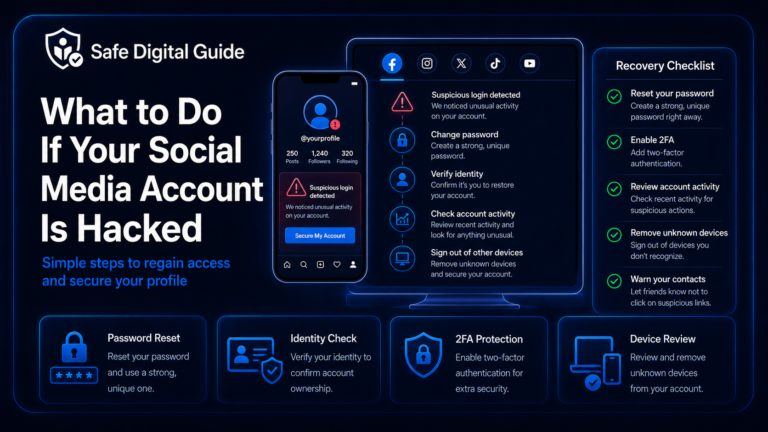
If you think your password was exposed in a data breach, phishing page, fake login form, or hacked website, act quickly.
Change the exposed password
Use the official website or app, not a link from a suspicious message.
Change reused passwords
If the same password was used elsewhere, change it on those accounts too.
Enable two-factor authentication
Add 2FA to important accounts, especially email and banking.
Check account activity
Look for unknown logins, changed settings, new devices, or suspicious messages.
If the exposure happened after phishing, read What to Do If You Clicked a Phishing Link.
Examples of Passwords to Avoid
Avoid passwords that are common, personal, predictable, short, or reused.
Related Guides
These guides can help you protect your accounts after creating stronger passwords:
Helpful Official Resources
For more guidance, review password advice from CISA, account security guidance from Google Account Help, and security advice from NCSC.
Frequently Asked Questions
How to create a strong password?
Create a strong password by making it long, unique, and hard to guess. Use a memorable passphrase, avoid personal details, never reuse passwords, and enable two-factor authentication on important accounts.
What makes a password strong?
A strong password is long, unique, not based on personal information, and not reused on other accounts. Length and uniqueness are more important than making a short password look complicated.
Is a passphrase better than a password?
A passphrase can be better because it is often longer and easier to remember. Use several unrelated words instead of a common sentence or famous quote.
Should I use the same password if it is very strong?
No. Even a strong password should not be reused. If one website is breached, attackers may try the same password on your other accounts.
Do I need a password manager?
A password manager is helpful if you have many accounts. It can create and store unique passwords so you do not need to remember all of them.
What should I do if my password was stolen?
Change the password immediately, change it anywhere else you reused it, enable two-factor authentication, and review account activity for suspicious logins or changes.
Knowing how to create a strong password can help protect your accounts, personal information, money, and private messages from attackers.
Final Safety Note
A strong password should be long, unique, and memorable enough that you can use it safely. Avoid personal details, predictable patterns, and password reuse.
The safest habit is simple: use unique passwords for every important account and protect them with two-factor authentication whenever possible.