What to Do If Your Email Is Hacked: 10 Urgent Steps
What to Do If Your Email Is Hacked: 10 Urgent Steps
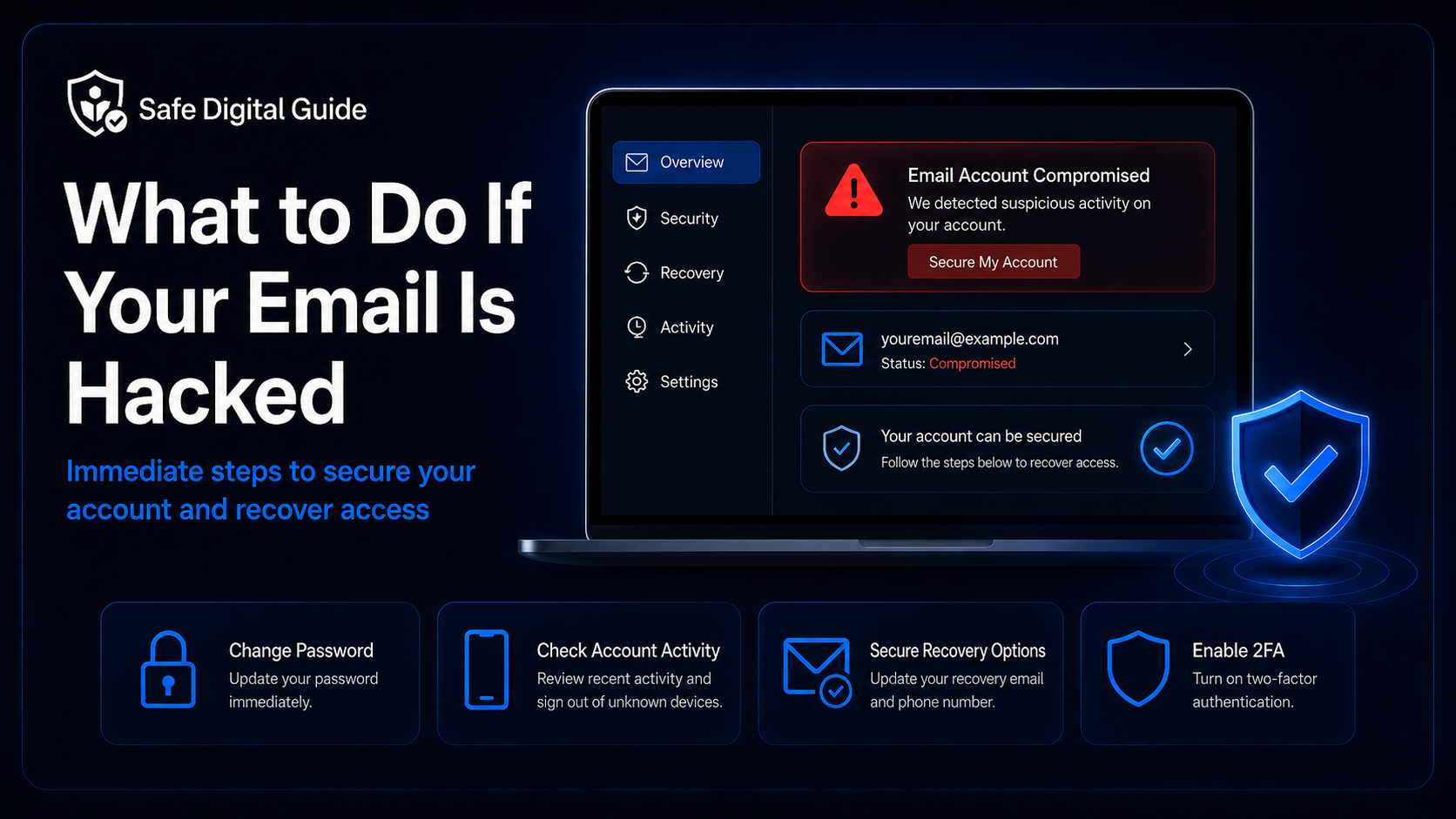
If you are wondering what to do if your email is hacked, act quickly. Your email account can be used to reset passwords, access other accounts, send scam messages, steal private information, or lock you out.
This guide explains what to do if your email is hacked, how to recover access, change your password safely, check suspicious activity, secure recovery options, and stop attackers from getting back in.
Quick Answer: What to Do If Your Email Is Hacked
If your email is hacked, change your password immediately from the official email website or app. Then sign out of unknown devices, enable two-factor authentication, check recovery email and phone settings, review forwarding rules, scan your device, and secure any accounts connected to that email.
Act quickly
A hacked email account is serious because attackers can use it to reset passwords for banking, shopping, social media, cloud storage, and other important accounts.
If your email was hacked after clicking a suspicious link, read our guide on what to do if you clicked a phishing link.
Email Hacked Emergency Checklist
Use this checklist if you think someone accessed your email account without permission.
1. Change Your Email Password Immediately
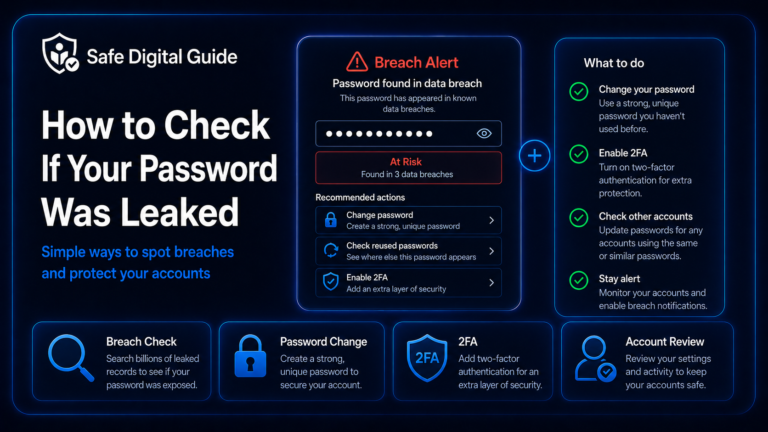
The first step in what to do if your email is hacked is changing your password. Do this only from the official email provider website or app. Do not use links from suspicious emails, text messages, or pop-ups.
Good password habits
- Use a unique password for your email.
- Make it long and hard to guess.
- Do not reuse old passwords.
- Do not use names, birthdays, or simple words.
- Store it safely in a trusted password manager if possible.
Avoid these mistakes
- Changing the password through a suspicious link.
- Reusing a password from another account.
- Using a small variation of your old password.
- Sharing the password with anyone.
- Saving it in an unsafe note or message.
If you entered your email password on a fake website, follow our guide: Entered My Password on a Fake Website? 7 Urgent Steps.
2. Sign Out of Unknown Devices
After changing your password, check where your email account is currently signed in. Most major email providers let you review recent devices, active sessions, browsers, and locations.
Important step
Signing out unknown devices helps remove attackers who may still have an active session open even after you change your password.
Look for devices, browsers, countries, or login times you do not recognize. If your email provider gives you the option, sign out of all devices and sign back in only on devices you trust.
3. Turn On Two-Factor Authentication
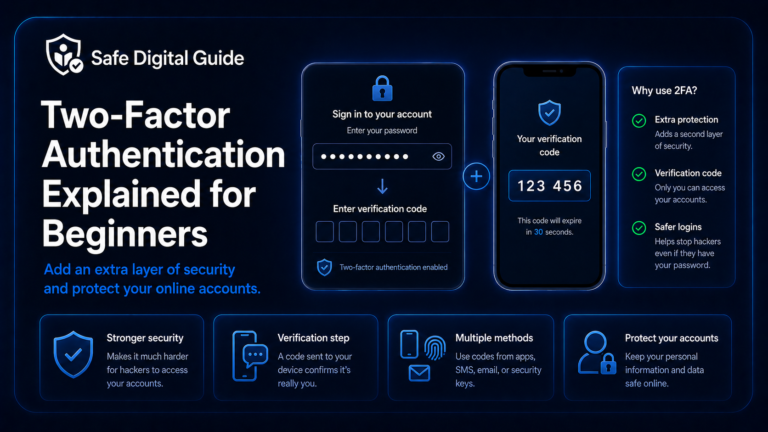
Two-factor authentication adds another layer of protection. Even if someone gets your password, they may not be able to access your account without the second step.
Never share 2FA codes
If someone asks you for a login code, verification code, or backup code, do not share it. They may be trying to access your account.
4. Check Your Recovery Email and Phone Number
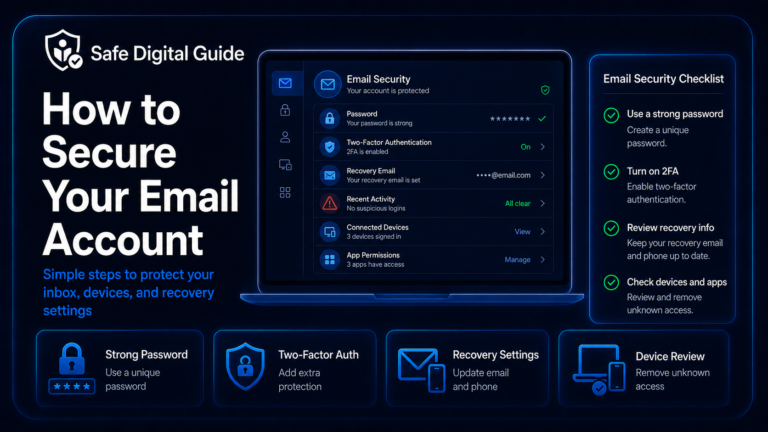
If your email is hacked, attackers may try to change the recovery email, recovery phone number, backup address, or security questions. This helps them regain access later.
Check that your account recovery information belongs to you:
- Your recovery email address.
- Your recovery phone number.
- Your backup codes.
- Your security questions if your provider still uses them.
- Your trusted devices.
Do not skip this
If recovery options were changed, an attacker may be able to reset your password again even after you secure the account.
5. Check Email Forwarding and Filters
One hidden risk of a hacked email account is silent forwarding. Attackers may create rules that forward your incoming emails to another address.
Check settings for forwarding, filters, rules, blocked senders, automatic replies, connected apps, and mailbox permissions.
6. Review Recent Login Activity
Reviewing account activity helps you understand whether your email was really hacked and what the attacker may have done.
If your email provider shows a “secure account” or “review activity” tool, use it after changing your password.
7. Check Sent Mail, Trash, and Spam
If your email is hacked, attackers may use your account to send phishing emails, scam messages, fake invoices, or password reset requests.
Check these folders:
- Sent mail.
- Trash or deleted items.
- Spam or junk folder.
- Archived messages.
- Drafts.
- Recently deleted messages.
Warn your contacts if needed
If scam messages were sent from your account, tell your contacts not to click links, open attachments, send money, or reply to suspicious messages.
If your account sent phishing messages, you may also want to read how to report a phishing email.
8. Secure Important Accounts Connected to Your Email
Your email account is often the key to many other accounts. If someone controls your email, they may try to reset passwords for banking, shopping, cloud storage, social media, and work accounts.
Check these accounts first
- Banking and payment apps.
- Shopping accounts.
- Social media accounts.
- Cloud storage.
- Work, school, or business accounts.
- Password manager account.
What to review
- Password changes.
- Recent login activity.
- Recovery email and phone number.
- Two-factor authentication settings.
- Connected apps and devices.
- Payment methods and orders.
Start with accounts that contain money, private files, personal identity information, or business data.
9. Scan Your Device for Malware
Sometimes an email account is hacked because a password was stolen from a fake website. Other times, the device may have malware, a malicious browser extension, or unsafe software.
If you clicked a suspicious link or downloaded something recently, this step becomes more important. Read Can a Phishing Link Hack My Phone? if you are worried about mobile safety.
10. Recover the Account If You Are Locked Out
If you cannot log in because the attacker changed the password, recovery email, or phone number, use the official account recovery process from your email provider.
Open the official recovery page
Type the provider’s website manually. Do not use links from suspicious messages.
Use your recovery options
Try your recovery email, phone number, backup codes, or trusted device.
Answer carefully
Provide accurate information about when you created the account or last used it if asked.
Secure it immediately
Once access is restored, change the password, enable 2FA, and review all account settings.
Account recovery can take time, so start as soon as you notice that you are locked out.
Warning Signs Your Email Is Hacked
Sometimes you may not be sure whether your email is hacked. These warning signs can help you decide.
What Not to Do If Your Email Is Hacked
When you are stressed, it is easy to make mistakes. Avoid these actions while recovering your email account.
Do not do this
- Do not use recovery links from suspicious messages.
- Do not reuse the same old password.
- Do not ignore forwarding rules or filters.
- Do not share verification codes with anyone.
- Do not assume changing the password is enough.
Do this instead
- Use the official recovery page.
- Create a unique password.
- Enable two-factor authentication.
- Review devices, settings, and recovery options.
- Secure important accounts connected to the email.
Related Guides
These guides can help depending on how your email was hacked:
Helpful Official Resources
For more guidance, review account security advice from Google Account Help, account recovery guidance from Microsoft Support, and phishing safety guidance from CISA.
Frequently Asked Questions
What to do if your email is hacked?
Change your password immediately, sign out of unknown devices, enable two-factor authentication, check recovery options, remove suspicious forwarding rules, scan your device, and secure important accounts connected to your email.
How do I know if my email is hacked?
Warning signs include unknown sent emails, password reset alerts, strange login locations, missing messages, changed recovery details, or contacts receiving suspicious messages from your address.
Should I change my password if my email is hacked?
Yes. Change it immediately using the official email provider website or app. Use a unique password that you have not used on any other account.
Can a hacked email affect my bank account?
Yes. If your bank, shopping, or payment accounts use that email for password resets, an attacker may try to access them. Check important accounts and contact your bank if you notice suspicious activity.
What if the hacker changed my recovery email or phone number?
Use your email provider’s official account recovery process. If you regain access, immediately update your recovery options, change your password, and enable two-factor authentication.
Should I warn my contacts if my email was hacked?
Yes, especially if suspicious emails were sent from your account. Tell your contacts not to click links, open attachments, send money, or reply to strange messages from your address.
Knowing what to do if your email is hacked can help you recover faster, protect connected accounts, and stop attackers from regaining access.
Final Safety Note
If your email is hacked, do not stop after changing the password. Review devices, recovery options, forwarding rules, filters, account activity, and connected accounts.
The safest habit is simple: protect your email like a master key, because it can unlock many of your other accounts.